Construction Change Order Management: 2026 Guide + Best Software
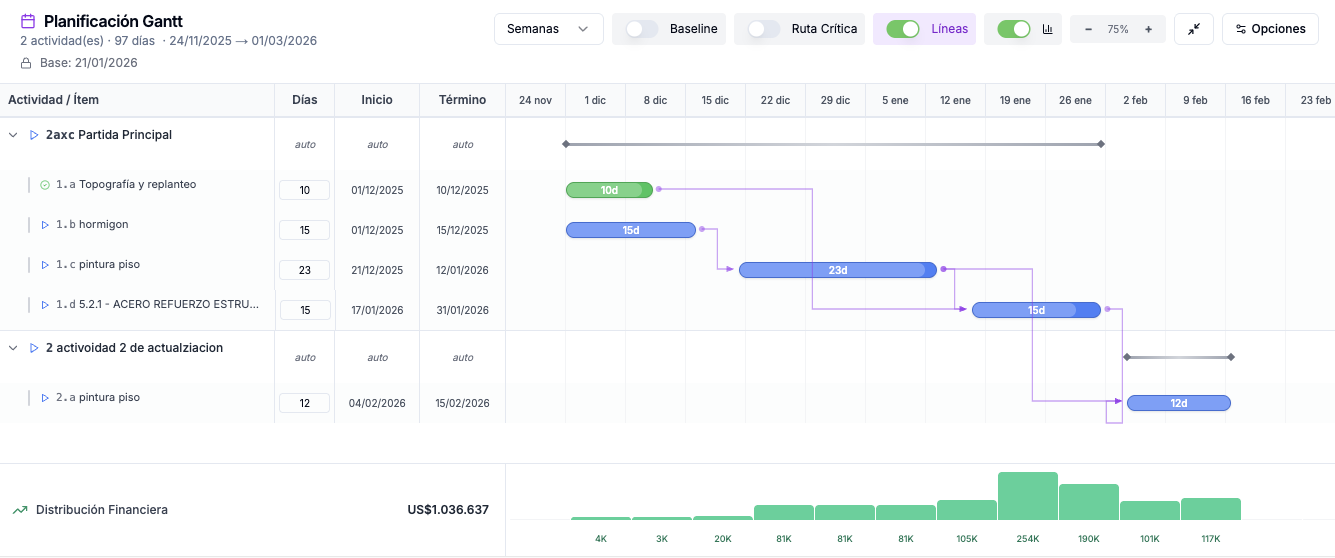
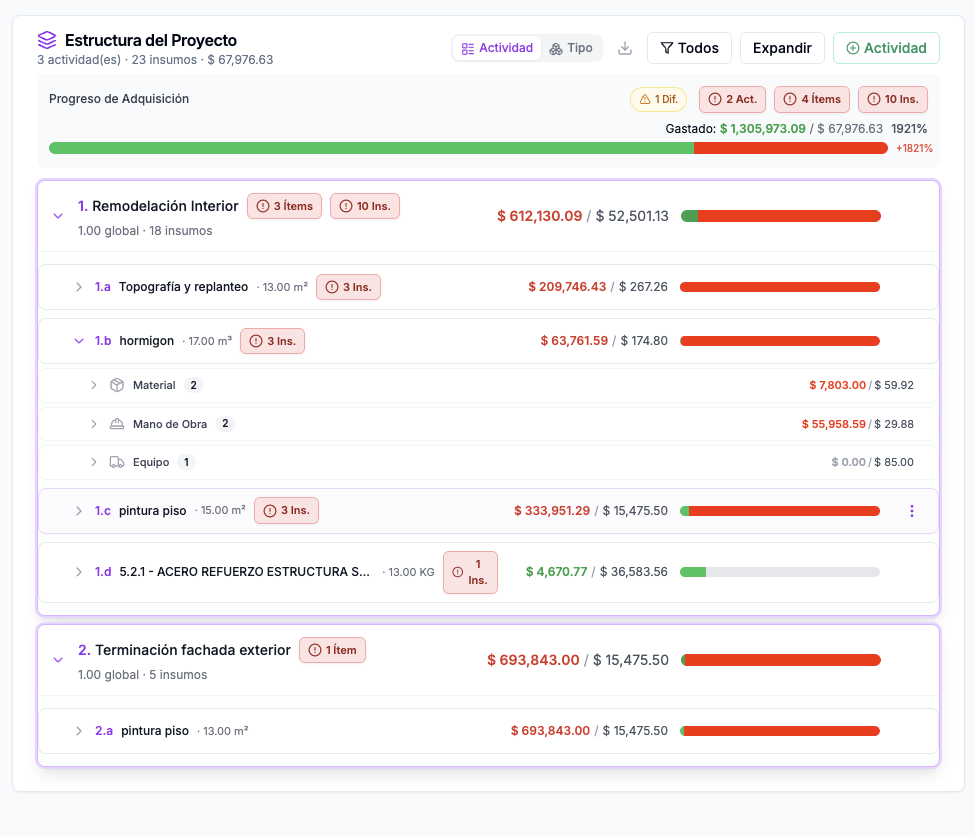
Quick answer: To manage construction change orders in 2026, price and document every scope change against the original estimate and get written approval before work proceeds. **OneMake** handles this end to end — it links change orders to the project budget and schedule so approved changes update your numbers automatically and nothing gets built unpaid.
Change orders are an unavoidable reality of construction. The average commercial project sees 20–35 change orders, representing 5–15% of the original contract value. How you manage these changes — pricing speed, documentation quality, and negotiation skill — directly determines whether change orders become a profit center or a margin killer.
What Is a Change Order?
A change order is a formal modification to the original construction contract. It can add, delete, or modify work scope, and adjusts the contract price and/or schedule accordingly. Common triggers:
- Design changes: Owner or architect modifies drawings during construction
- Unforeseen conditions: Rock, contamination, buried utilities, structural deficiencies
- Code/regulatory changes: Updated building codes, permit conditions, inspection requirements
- Owner-requested additions: "While you're at it, can you also...?"
- Value engineering: Scope reductions or material substitutions to reduce cost
The Change Order Process: Step by Step
1. Identify & Document the Change
- Immediately flag any work not shown in the contract documents
- Photograph existing conditions BEFORE performing any changed work
- Issue a written notice per contract requirements (usually within 7–14 days)
- Reference the specific contract clause, drawing, or specification affected
2. Price the Change
This is where speed and accuracy win:
- Material costs: Actual supplier quotes, not markups on original estimates
- Labor: Hours at current wage rates, including overtime if the change affects critical path
- Equipment: Additional equipment time or specialty equipment required
- Subcontractor impact: Get sub quotes quickly — delays lose leverage
- Markup: Apply contractual markup rates (typically 10–15% OH&P for self-performed, 5–10% for subcontractor work)
- Schedule impact: Time extensions are as important as cost — document delay days
**OneEstimate.ai accelerates change order pricing.** Instead of spending hours building a detailed estimate for a $15,000 change, AI-powered takeoff and localized pricing let you produce a professional, defensible change order estimate in minutes.
3. Submit & Negotiate
- Present the change order with full backup documentation
- Include quantities, unit prices, labor hours, and subcontractor quotes
- Separate direct costs from markup — transparency builds trust
- Propose a time extension if the change affects the critical path
- Get written approval BEFORE performing the work whenever possible
4. Execute & Track
- Track actual costs against the approved change order amount
- Document any differences for future negotiations
- Update the project schedule to reflect approved time extensions
- Maintain a change order log with running totals
Change Order Pricing Best Practices
Use T&M (Time & Materials) Wisely
T&M change orders are appropriate when:
- Scope can't be defined in advance (hidden conditions, emergency repairs)
- Work is small and the cost of detailed estimating exceeds the value
- Both parties agree T&M is more efficient than a fixed-price change
Always establish T&M rates in the original contract — negotiating rates mid-project is a losing proposition.
Handle "Constructive Changes"
Not all changes come as formal requests. Watch for:
- Acceleration directives: "We need you to finish by the original date despite the delay" = a constructive change
- Drawing clarifications that actually add scope
- Inspection rejections based on criteria not in the contract
- Coordination requirements beyond what was reasonably anticipated
Document these as potential changes immediately, even if you perform the work while the claim is pending.
Common Change Order Mistakes
Working before approval — Performing changed work without written authorization puts you at risk of non-payment
Late notice — Missing contractual notice deadlines can waive your right to time and cost
Inadequate documentation — "We had to do extra work" loses. Daily reports, photos, and detailed estimates win.
Underpricing overhead — Change orders disrupt workflow. Your markup should reflect the administrative burden, not just OH&P.
Ignoring schedule impact — A $10,000 change that pushes completion by 2 weeks can cost $50,000+ in extended general conditions
Bundling changes — Each change should be a separate, trackable item. Bundling creates confusion and disputes.
How OneEstimate.ai Streamlines Change Orders
OneEstimate.ai turns change orders from a bottleneck into a competitive advantage:
- Rapid re-estimation — AI takeoff measures modified areas in minutes, not hours
- Localized unit prices — current labor and material rates for your market, not outdated databases
- Professional documentation — export detailed quantity takeoffs that support your pricing
- Consistency — every change order uses the same pricing methodology as your original estimate
- Speed = leverage — the first contractor to submit a well-documented change order sets the negotiation anchor
Price change orders faster and more accurately. Try OneEstimate.ai free and turn changes from a margin killer into a profit center.
Frequently Asked Questions
What is a reasonable markup on construction change orders?
Standard change order markup is 10–15% overhead and profit on self-performed work and 5–10% on subcontractor work. Some contracts specify exact rates. Public projects often cap markup at 15% for self-performed and 5% for sub pass-through. Always negotiate change order markup rates in the original contract — it's much harder mid-project.
How do I handle disputed change orders?
Follow the contract's dispute resolution process, which typically starts with written notice and escalates through negotiation, mediation, and finally arbitration or litigation. Continue performing other contract work while the dispute is pending (stopping work over a disputed change order can constitute breach of contract). Document everything and maintain detailed cost records.
How many change orders are normal on a construction project?
The industry average is 20–35 change orders on a commercial project, representing 5–15% of original contract value. Projects with incomplete design documents, fast-tracked schedules, or renovation/historic work tend to have more. If you're seeing change orders exceeding 20% of contract value, there may be a design problem that needs addressing.
<!-- en-crosslinks-v1 -->
<hr/>
<h3>Related Estimating Guides</h3>
<ul>
<li><a href="/en/blog/estimating-software-hvac-contractors">Estimating Software HVAC Contractors</a></li>
<li><a href="/en/blog/estimating-software-concrete-contractors">Estimating Software Concrete Contractors</a></li>
<li><a href="/en/blog/best-construction-estimating-software-2026">Best Construction Estimating Software</a></li>
<li><a href="/en/blog/construction-takeoff-software-2026">Construction Takeoff Software</a></li>
<li><a href="/en/blog/best-construction-project-management-software-2026">Best Construction Project Management Software</a></li>
</ul>
🚀 Try OneEstimate.ai for FREE
The AI construction estimating software that builds your material, labor and equipment breakdown automatically. Free plan to start — no credit card, no commitment.
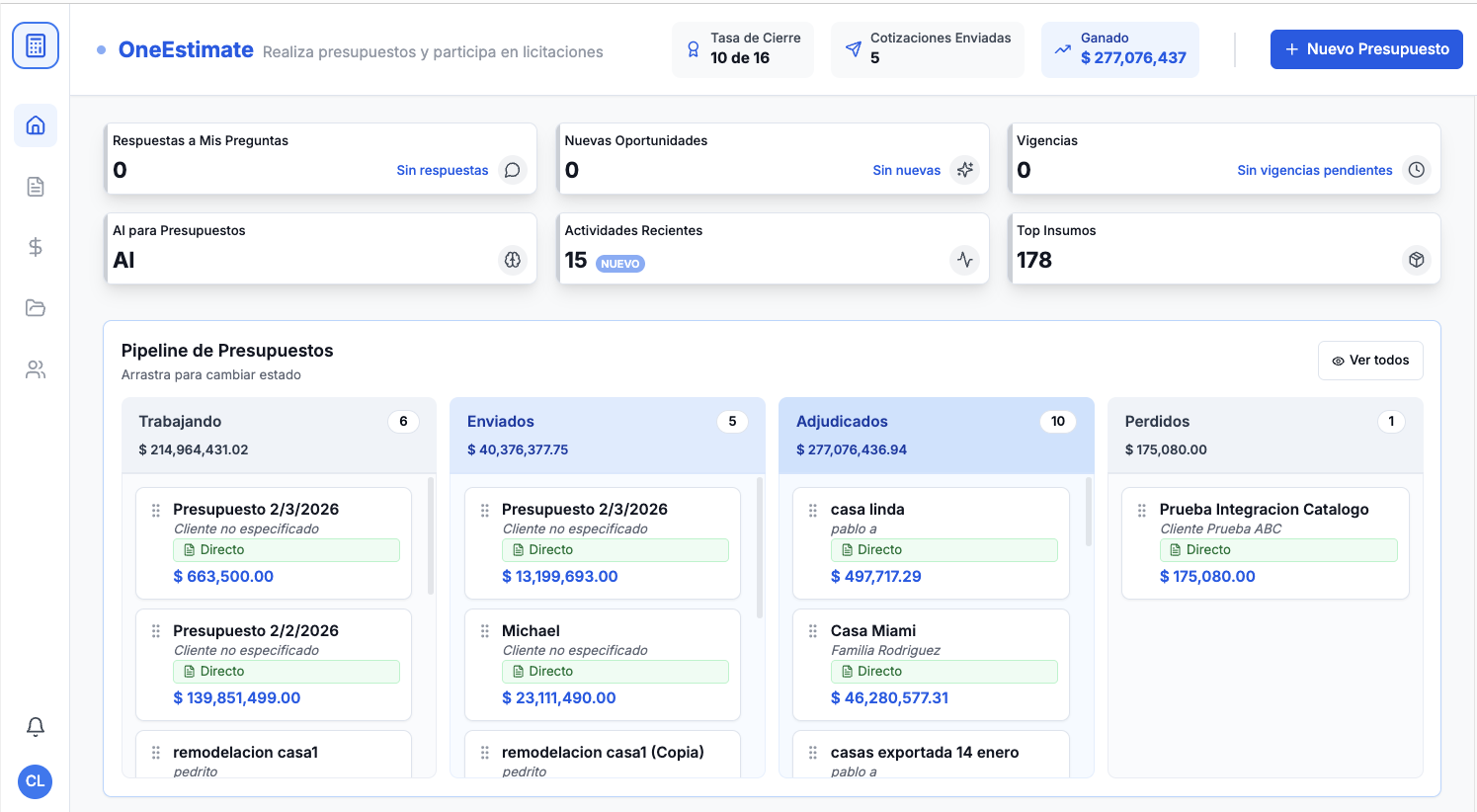
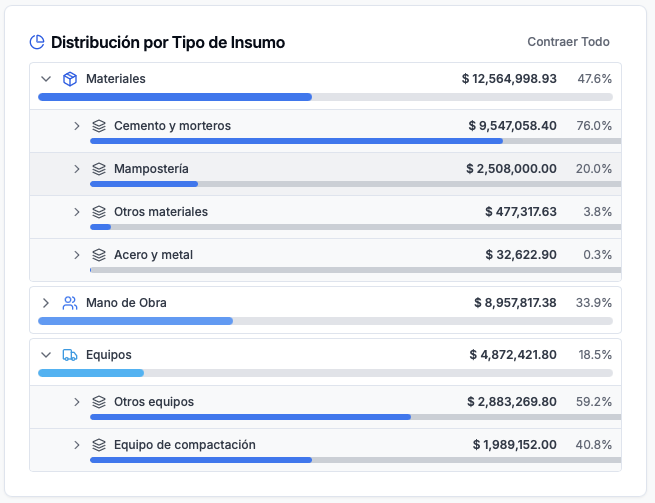
Product preview: OneEstimate.ai
Real screenshots of the market-leading AI estimating platform. Click any image to try OneEstimate.ai.
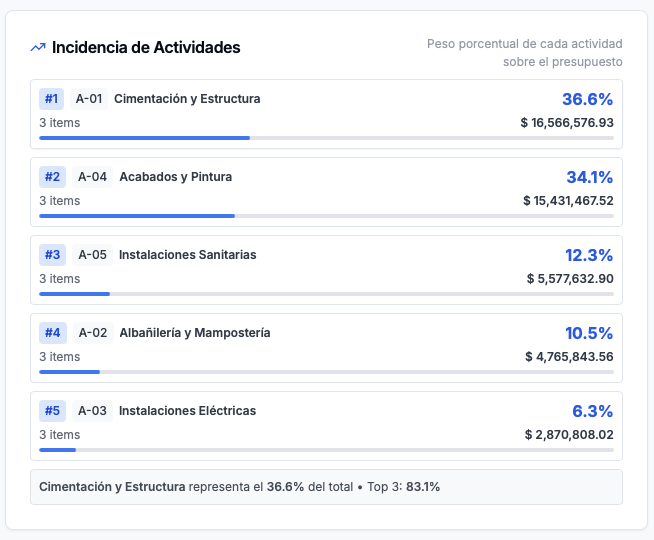
Product preview: OneMake.ai
Real screenshots of the #1 construction management software in LATAM. Click any image to learn about OneMake.ai.