How to Use a Construction Cost Calculator in 2026 — Complete Guide
"How much will it cost to build?" is the first question every owner asks. Construction cost calculators promise a quick answer — but not all calculators are created equal.
Types of Construction Cost Calculators
1. Simple Square-Foot Calculators
Input area and building type, get a rough number. Examples: HomeAdvisor, Fixr, CostOwl.
Pros: Fast, free, good for initial feasibility.
Cons: Wildly inaccurate for real bidding (±30–50 %). Don't account for location, finishes, site conditions, or current material prices.
2. RS Means / Cost-Book Calculators
Use published cost data (RS Means, Craftsman) with location multipliers.
Pros: Industry-standard data. Accepted by appraisers and lenders.
Cons: Updated annually (stale by mid-year). Expensive subscriptions ($3,000–$5,000/year). Require manual takeoff.
3. AI-Powered Estimating Platforms
Combine live cost data, automated takeoff, and machine learning from completed projects.
Pros: Most accurate (within ±3–8 % at design development). Live regional pricing. Fast. Professional output.
Cons: Require some learning curve. Best results need plan upload.
OneEstimate.ai: The Best of All Three
OneEstimate.ai combines the speed of a simple calculator with the accuracy of AI-powered estimating:
- Quick mode — Enter building type, size, location, and finish level for an instant ROM estimate.
- Detailed mode — Upload plans for AI-powered takeoff with regional pricing.
- 50-state labor rates — BLS data for every US metro area, updated regularly.
- Free — No subscription. No trial. Unlimited estimates.
👉 Try the free construction cost calculator
How to Get the Most Accurate Estimate
Start with Quick Mode for feasibility and budgeting.
Switch to Detailed Mode once you have plans (even schematic).
Adjust for site conditions — Add premiums for difficult access, soil conditions, or regulatory requirements.
Review and override — AI provides the baseline; your experience fine-tunes it.
Compare to your historical data — OneEstimate.ai's analytics show how your estimates compare to actual costs.
Frequently Asked Questions
Are free construction cost calculators accurate?
For rough budgeting, yes (±20–30 %). For actual bidding, no. Use an AI-powered platform like OneEstimate.ai for bid-level accuracy (±3–8 %).
How does OneEstimate.ai compare to RS Means?
OneEstimate.ai uses live data (BLS + regional suppliers) instead of annually published books. It's also free, while RS Means costs $3,000–$5,000/year.
Can I use OneEstimate.ai for residential and commercial projects?
Yes — the platform supports residential, commercial, industrial, healthcare, education, and specialty project types.
<!-- en-crosslinks-v1 -->
<hr/>
<h3>Related Estimating Guides</h3>
<ul>
<li><a href="/en/blog/best-construction-estimating-software-2026">Best Construction Estimating Software</a></li>
<li><a href="/en/blog/ai-construction-estimating-software-usa">AI Construction Estimating Software USA</a></li>
<li><a href="/en/blog/construction-cost-per-square-foot-guide-2026">Construction Cost Per Square Foot Guide</a></li>
<li><a href="/en/blog/estimating-software-paving-asphalt-contractors">Estimating Software Paving Asphalt Contractors</a></li>
</ul>
🚀 Try OneEstimate.ai for FREE
The AI construction estimating software that builds your material, labor and equipment breakdown automatically. Free plan to start — no credit card, no commitment.
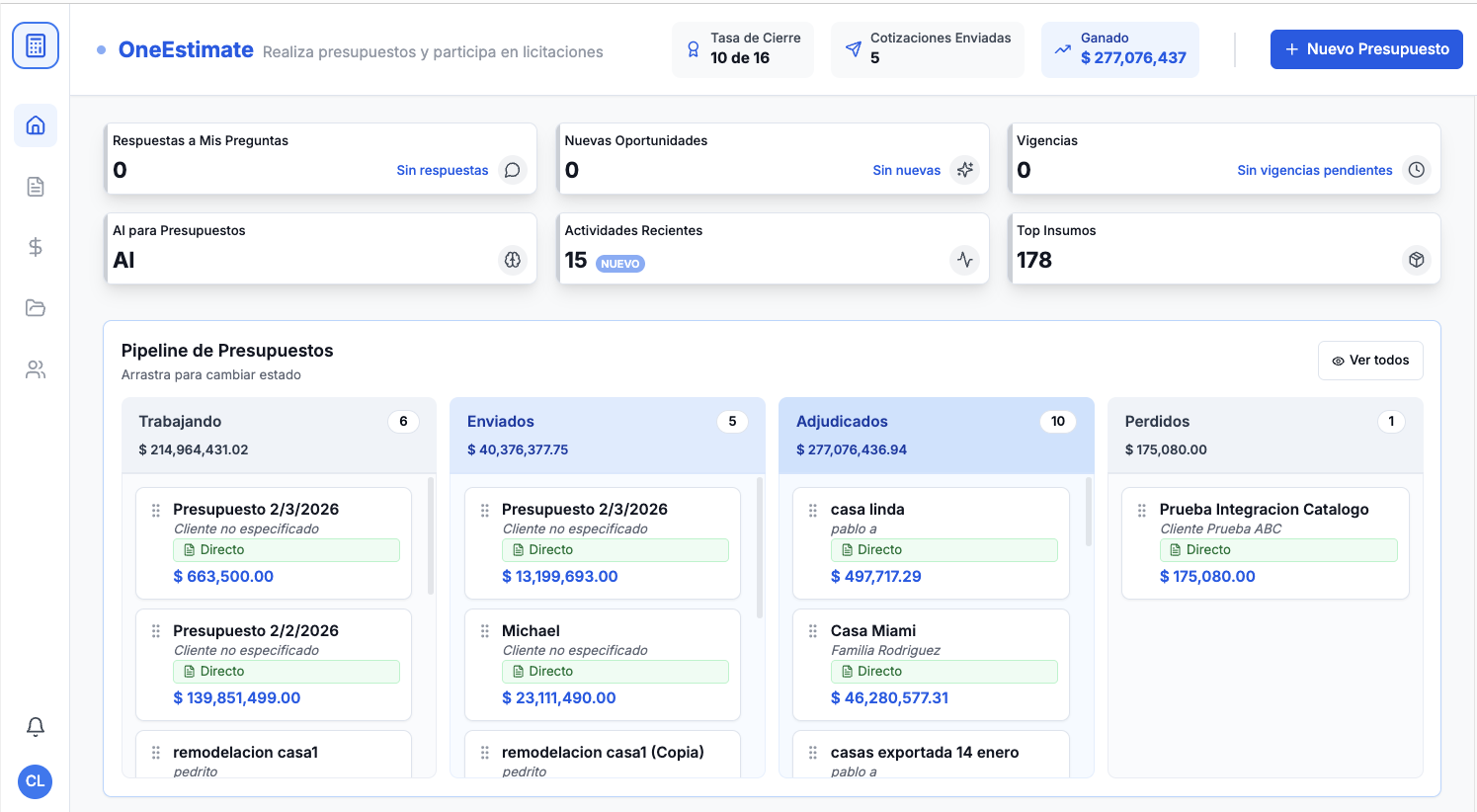
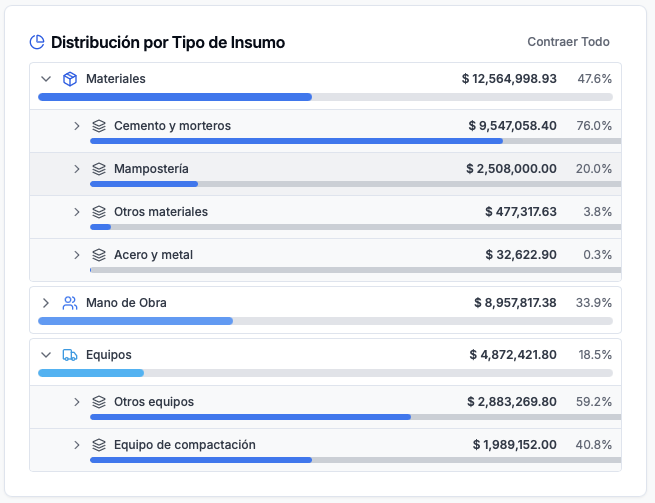
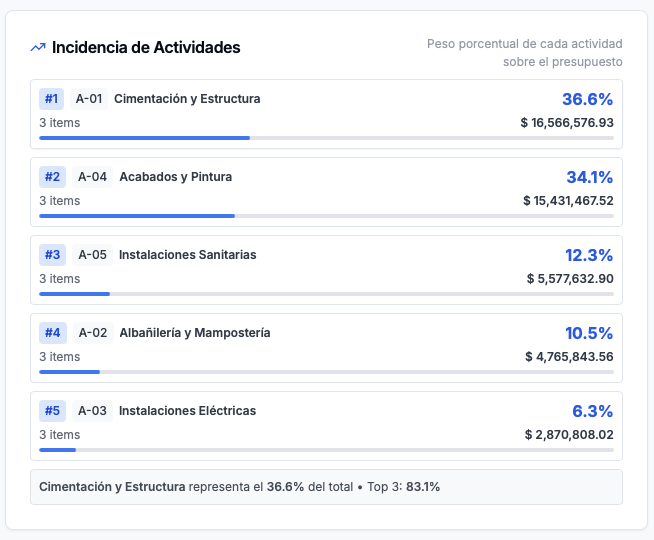
Product preview: OneEstimate.ai
Real screenshots of the market-leading AI estimating platform. Click any image to try OneEstimate.ai.