Construction Cost Code Mapping Template: Free Excel Download for Estimators (2026)
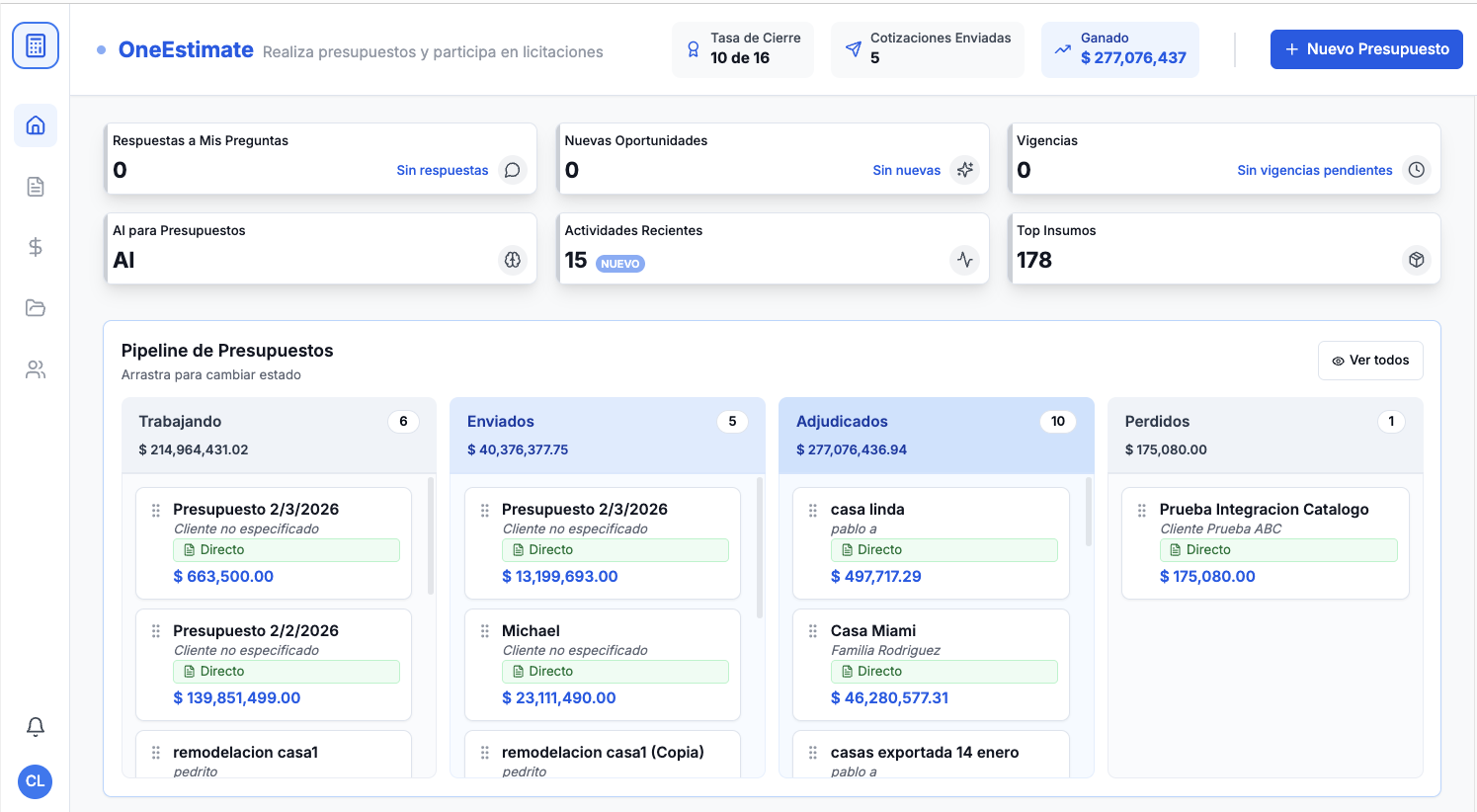
<p><strong>Quick answer:</strong> A cost-code mapping template is the bridge between your estimate and every other system — QuickBooks, Procore, Sage, Excel job-cost spreadsheets. Without it, you re-type data, lose accuracy, and can't compare estimated vs. actual costs. Below is a free, ready-to-use mapping template plus a complete guide on how to set it up for your company. <a href="https://www.oneestimate.ai/en?utm_source=hubservice&utm_medium=blog&utm_campaign=construction-cost-code-mapping-template-excel-2026">OneEstimate.ai</a> generates estimates with cost codes built in, making system handoffs straightforward.</p>
<h2>What a cost-code mapping template does</h2>
<p>It translates your estimate structure into the language of your accounting and project management systems. One row per cost code, showing:</p>
<table>
<thead><tr><th>Column</th><th>What it contains</th><th>Example</th></tr></thead>
<tbody>
<tr><td>CSI Division</td><td>MasterFormat division</td><td>03 - Concrete</td></tr>
<tr><td>Estimate Category</td><td>Your estimating tool's category name</td><td>Cast-in-Place Concrete</td></tr>
<tr><td>Cost Code</td><td>Numeric code</td><td>03-300</td></tr>
<tr><td>QB Item</td><td>QuickBooks Item/Service name</td><td>03-300 CIP Concrete</td></tr>
<tr><td>Procore Code</td><td>Procore budget cost code</td><td>03-3000</td></tr>
<tr><td>Sage Code</td><td>Sage 300 CRE cost code</td><td>03.300</td></tr>
<tr><td>Cost Type</td><td>Labor / Material / Equipment / Sub</td><td>Material + Labor</td></tr>
<tr><td>Unit</td><td>Default unit of measure</td><td>CY</td></tr>
</tbody>
</table>
<h2>The 16 CSI divisions every contractor needs</h2>
<table>
<thead><tr><th>Division</th><th>Category</th><th>Common Cost Codes</th></tr></thead>
<tbody>
<tr><td>01</td><td>General Requirements</td><td>01-100 Supervision, 01-200 Temp Facilities, 01-500 Equipment</td></tr>
<tr><td>02</td><td>Existing Conditions</td><td>02-100 Demolition, 02-200 Hazmat</td></tr>
<tr><td>03</td><td>Concrete</td><td>03-100 Formwork, 03-200 Rebar, 03-300 CIP, 03-400 Precast</td></tr>
<tr><td>04</td><td>Masonry</td><td>04-200 Unit Masonry (CMU/Brick)</td></tr>
<tr><td>05</td><td>Metals</td><td>05-100 Structural Steel, 05-500 Misc Metals</td></tr>
<tr><td>06</td><td>Wood/Plastics</td><td>06-100 Rough Carpentry, 06-200 Finish Carpentry</td></tr>
<tr><td>07</td><td>Thermal/Moisture</td><td>07-200 Insulation, 07-500 Roofing, 07-900 Sealants</td></tr>
<tr><td>08</td><td>Openings</td><td>08-100 Doors, 08-500 Windows, 08-700 Hardware</td></tr>
<tr><td>09</td><td>Finishes</td><td>09-200 Plaster, 09-250 Drywall, 09-300 Tile, 09-650 Flooring, 09-900 Paint</td></tr>
<tr><td>10-14</td><td>Specialties through Conveying</td><td>10-100 Signage, 14-200 Elevators</td></tr>
<tr><td>21-23</td><td>Fire/Plumbing/HVAC</td><td>21-100 Fire Suppression, 22-100 Plumbing, 23-100 HVAC</td></tr>
<tr><td>26</td><td>Electrical</td><td>26-100 Wiring, 26-200 Power Dist, 26-500 Lighting</td></tr>
<tr><td>31</td><td>Earthwork</td><td>31-100 Clearing, 31-200 Grading, 31-600 Foundations</td></tr>
<tr><td>32</td><td>Exterior Improvements</td><td>32-100 Paving, 32-900 Landscaping</td></tr>
<tr><td>33</td><td>Utilities</td><td>33-100 Water, 33-300 Sewer, 33-700 Electrical Utilities</td></tr>
</tbody>
</table>
<h2>How to customize the template for your company</h2>
<ol>
<li><strong>Start with the CSI base.</strong> Use the 16 divisions as your skeleton.</li>
<li><strong>Add your company-specific sub-codes.</strong> Most contractors use 2–3 levels of sub-codes within each division.</li>
<li><strong>Map to your accounting software.</strong> Fill in the QB Item, Procore Code, or Sage Code columns.</li>
<li><strong>Assign cost types.</strong> Every code should be tagged as Labor, Material, Equipment, or Subcontractor.</li>
<li><strong>Set default units.</strong> SF, LF, CY, EA, LS — consistent units prevent conversion errors.</li>
</ol>
<h3>What are CSI MasterFormat cost codes?</h3>
<p>CSI (Construction Specifications Institute) MasterFormat is the standard numbering system for organizing construction work into divisions and sections. It's used by most US contractors, architects, and project management systems. <a href="https://www.oneestimate.ai/en?utm_source=hubservice&utm_medium=blog&utm_campaign=construction-cost-code-mapping-template-excel-2026">OneEstimate.ai</a> generates estimates that align with CSI divisions, making downstream mapping straightforward.</p>
<h3>Do I need a different mapping for each project?</h3>
<p>No — create one master mapping for your company and reuse it. Only customize project-specific codes (unusual scope items) as needed. The 80/20 rule applies: 80% of your codes stay the same across projects.</p>
<h3>How does OneEstimate handle cost codes?</h3>
<p>OneEstimate organizes estimates by cost category that maps to standard CSI divisions. When you export, the cost code structure is preserved, making it easy to import into QuickBooks, Procore, Sage, or any system that uses CSI-based codes.</p>
<h3>What if my accounting software doesn't use CSI codes?</h3>
<p>Some smaller contractors use custom numbering. The mapping template handles this — just fill in your custom codes in the appropriate column alongside the CSI reference. The template becomes your Rosetta Stone between systems.</p>
<h3>Can I use this template for subcontractor management?</h3>
<p>Yes. Add a "Default Vendor/Sub" column to assign specific subcontractors to cost codes. This speeds up bid comparison and commitment creation in project management tools.</p>
<p><strong>Create estimates that flow into any system.</strong> <a href="https://www.oneestimate.ai/en?utm_source=hubservice&utm_medium=blog&utm_campaign=construction-cost-code-mapping-template-excel-2026">Try OneEstimate free</a> — cost codes built in, export-ready for QuickBooks, Procore, Sage, and Excel.</p>
<!-- en-crosslinks-v1 -->
<hr/>
<h3>Related Estimating Guides</h3>
<ul>
<li><a href="/en/blog/construction-estimate-to-quickbooks-workflow-2026">Construction Estimate To QuickBooks Workflow</a></li>
<li><a href="/en/blog/construction-estimate-procore-budget-import-2026">Construction Estimate Procore Budget Import</a></li>
<li><a href="/en/blog/best-construction-estimating-software-2026">Best Construction Estimating Software</a></li>
<li><a href="/en/blog/construction-estimate-spreadsheet-to-software-migration-2026">Construction Estimate Spreadsheet To Software Migration</a></li>
</ul>
🚀 Try OneEstimate.ai for FREE
The AI construction estimating software that builds your material, labor and equipment breakdown automatically. Free plan to start — no credit card, no commitment.
Product preview: OneEstimate.ai
Real screenshots of the market-leading AI estimating platform. Click any image to try OneEstimate.ai.