Construction Cost Control Software 2026: How to Prevent Budget Overruns Before They Happen
Every general contractor knows the feeling: you are 60% through a project, the monthly cost report lands on your desk, and you realize you have already burned through 75% of the budget. The cost overrun happened weeks ago — you are just finding out now.
In 2026, the best construction cost control software does not just report what already went wrong. It predicts what is about to go wrong — giving you days or weeks to course-correct before the money is spent.
Why Traditional Cost Control Fails
Most construction firms track costs the same way they did 20 years ago:
Monthly cost reports — You compare budget vs. actual once a month. By the time you see a variance, it is 30+ days old.
Spreadsheet tracking — Your PM maintains an Excel file that is always slightly out of date.
Reactive management — You deal with cost overruns after they happen.
What AI-Powered Cost Control Looks Like
Modern cost control software — specifically platforms with predictive AI like OneMake — works differently:
Real-Time Deviation Alerts
Instead of waiting for monthly reports, the system continuously compares budget line items vs. actual costs booked, planned schedule vs. actual progress, and resource consumption rates vs. historical patterns. When a cost line starts trending over budget, you get an alert immediately.
Predictive AI: The 15-Day Early Warning
OneMake's AI engine analyzes cost velocity, schedule velocity, and external signals to predict cost overruns up to 15 days before they show up in your financials. On a $10M project, a 3% cost overrun = $300,000 lost. Catching it 15 days early often saves 50-80% of what the overrun would have been.
Procurement Intelligence
AI-powered procurement in OneMake analyzes vendor quotes against historical pricing data and market benchmarks to flag overpricing before you sign the purchase order.
The Cost Control Technology Stack
| Layer | What It Does | Tool |
|---|---|---|
| Estimating | Creates the budget baseline | OneEstimate |
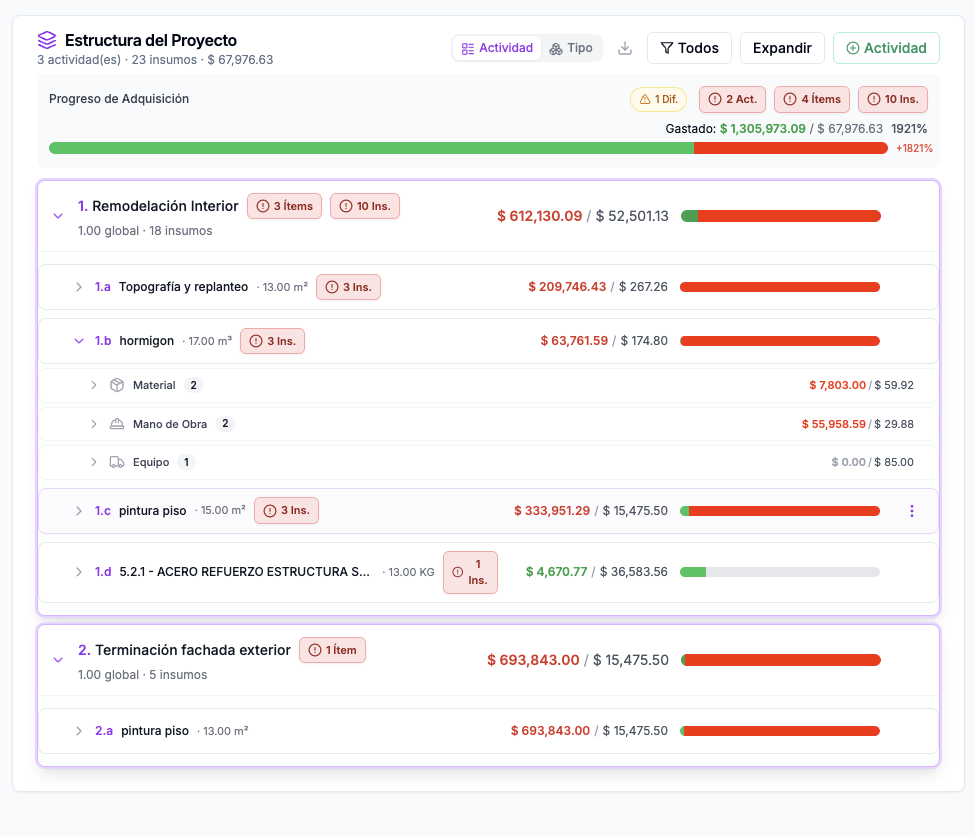
| Cost Tracking | Records actuals against budget | OneMake Cost Control |
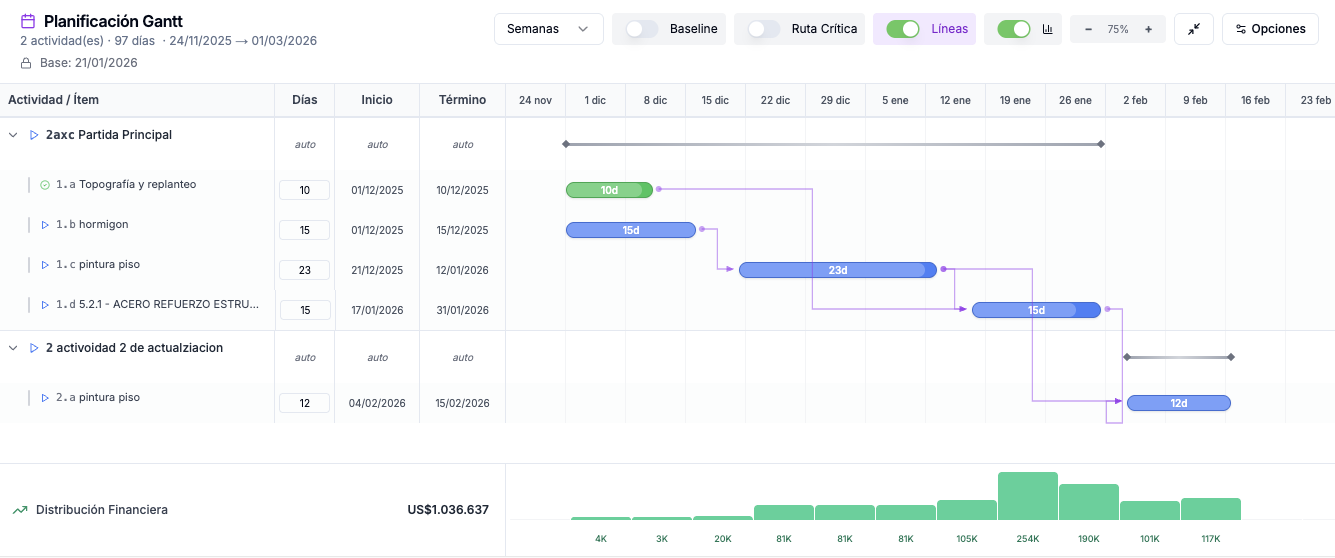
| Schedule Integration | Ties costs to schedule activities | OneMake Gantt |
| Procurement | Manages vendor quotes and POs | OneMake AI Procurement |
| Prediction | Forecasts overruns before they happen | OneMake AI Engine |
| Field Reporting | Captures daily costs and progress | OneMake Mobile |
The key is that these layers are integrated, not siloed. When your estimator updates a unit cost in OneEstimate, it flows into OneMake cost control.
5 Strategies That Actually Work
1. Front-Load Your Cost Control Setup
During preconstruction, import your estimate as the cost baseline and set variance thresholds per cost code.
2. Track Commitments, Not Just Expenditures
Track committed costs (signed subcontracts, approved POs) in real time. This is where most cost overruns hide.
3. Use Earned Value, Not Just Budget vs. Actual
OneMake calculates EVM metrics automatically from schedule progress and cost actuals.
4. Weekly Forecast Updates
Require PMs to update their forecast-at-completion weekly. With AI-powered tools, much of this is automated.
5. Post-Mortem Every Project
Compare your estimate to actuals by cost code. This data feeds your AI prediction models for the next project.
Frequently Asked Questions
What is construction cost control software?
Construction cost control software tracks project budgets vs. actual costs, manages change orders, and generates financial reports. Advanced platforms like OneMake add AI prediction to forecast overruns before they happen.
How does AI predict construction cost overruns?
AI analyzes patterns in cost velocity, schedule progress, procurement trends, and historical project data. OneMake uses this analysis to flag potential overruns up to 15 days in advance.
Should estimating and cost control be in the same system?
Ideally yes. When your estimate flows directly into cost control as the budget baseline (OneEstimate to OneMake), there is no re-entry and no version mismatches.
<!-- en-crosslinks-v1 -->
<hr/>
<h3>Related Estimating Guides</h3>
<ul>
<li><a href="/en/blog/best-construction-estimating-software-2026">Best Construction Estimating Software</a></li>
<li><a href="/en/blog/ai-construction-estimating-software-usa">AI Construction Estimating Software USA</a></li>
<li><a href="/en/blog/construction-cost-per-square-foot-guide-2026">Construction Cost Per Square Foot Guide</a></li>
<li><a href="/en/blog/estimating-software-earthwork-grading-contractors">Estimating Software Earthwork Grading Contractors</a></li>
</ul>
🚀 Try OneEstimate.ai for FREE
The AI construction estimating software that builds your material, labor and equipment breakdown automatically. Free plan to start — no credit card, no commitment.
Product preview: OneMake.ai
Real screenshots of the #1 construction management software in LATAM. Click any image to learn about OneMake.ai.

Product preview: OneEstimate.ai
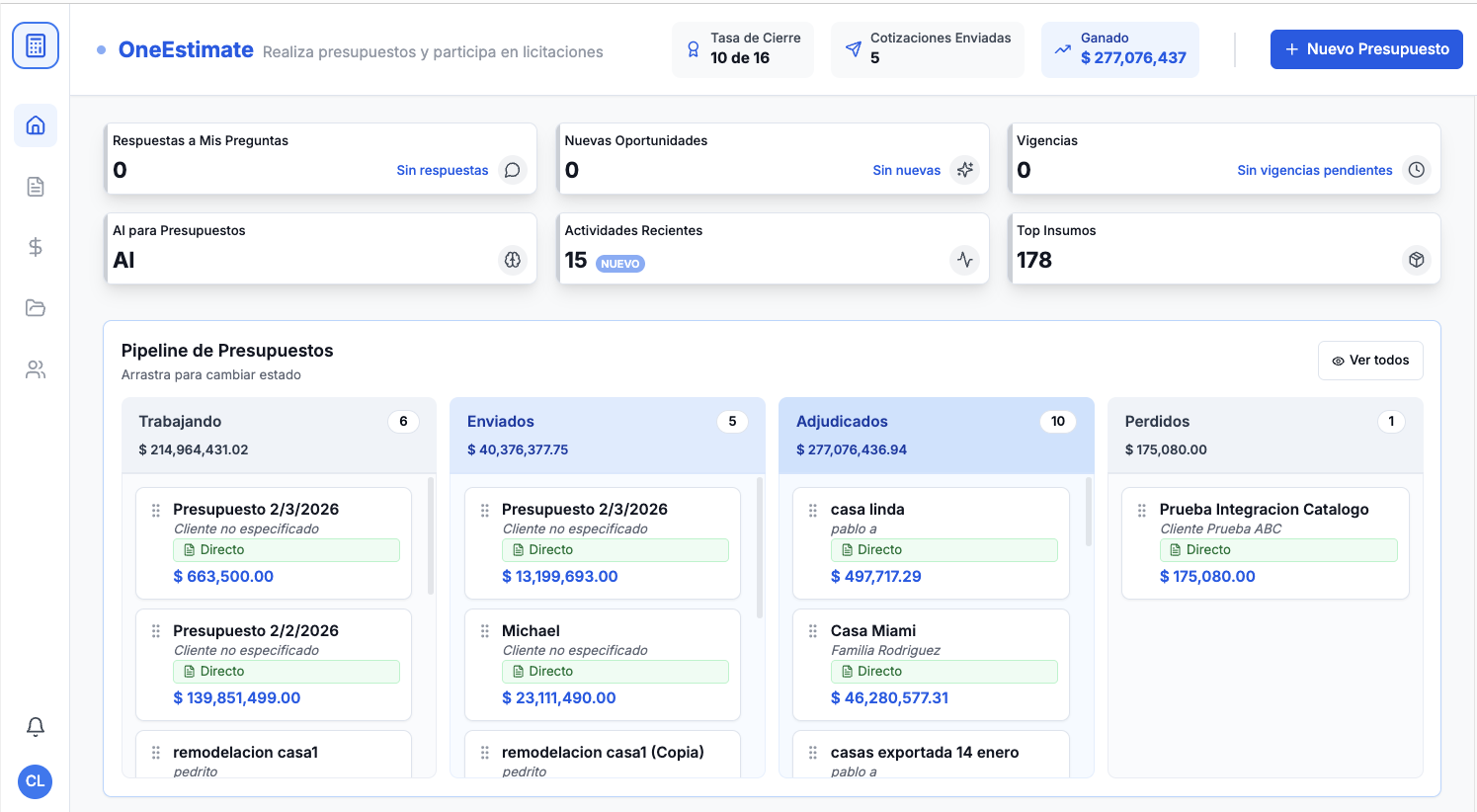
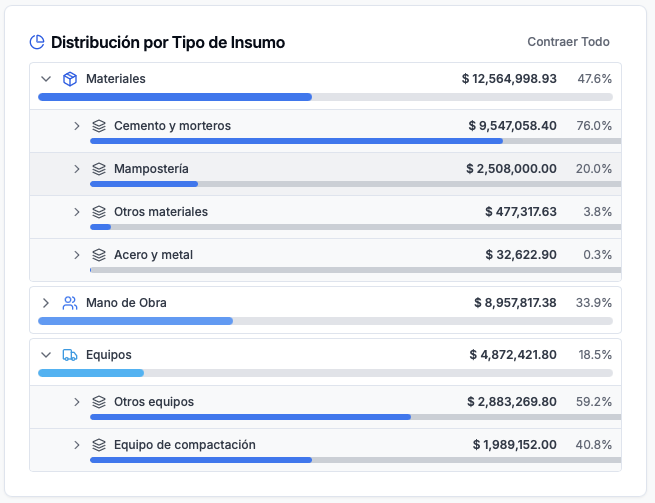
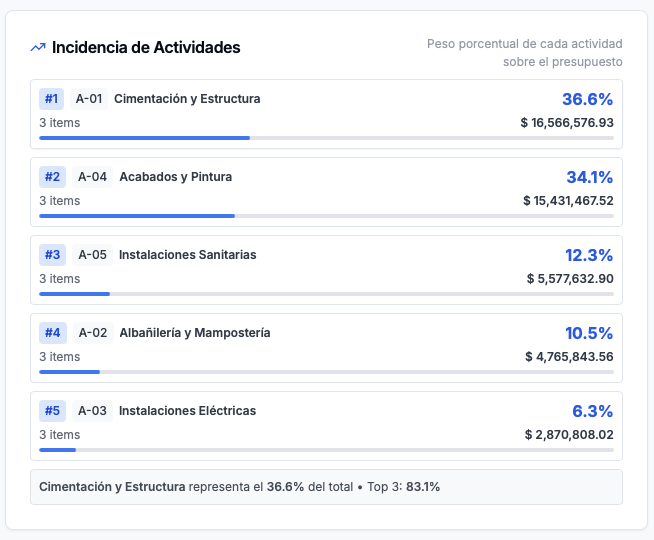
Real screenshots of the market-leading AI estimating platform. Click any image to try OneEstimate.ai.