Construction Estimate to Procore Budget: Handoff Guide for Estimators (2026)
<p><strong>Quick answer:</strong> Transferring a construction estimate into a Procore budget requires mapping your estimate's cost structure to Procore's budget codes, exporting a properly formatted file, and importing it through Procore's Budget tool. The key challenge: Procore's budget import has specific field requirements and limitations by module. <a href="https://www.oneestimate.ai/en?utm_source=hubservice&utm_medium=blog&utm_campaign=construction-estimate-procore-budget-import-2026">OneEstimate.ai</a> generates structured estimates that export in formats compatible with Procore's budget import workflow.</p>
<h2>The estimate-to-Procore challenge</h2>
<p>Procore is a project management platform, not an estimating tool. It expects a budget — a summary-level cost plan — not a detailed estimate with hundreds of takeoff lines. The handoff requires translating granular estimate data into Procore's budget structure.</p>
<h2>What Procore's budget needs from your estimate</h2>
<table>
<thead><tr><th>Estimate Detail</th><th>Procore Budget Field</th><th>Notes</th></tr></thead>
<tbody>
<tr><td>Cost category</td><td>Cost Code</td><td>Must match Procore's cost code structure (typically CSI-based)</td></tr>
<tr><td>Cost type</td><td>Cost Type</td><td>Labor, Material, Equipment, Subcontractor, Other</td></tr>
<tr><td>Description</td><td>Description</td><td>Summary-level, not line-item detail</td></tr>
<tr><td>Total by category</td><td>Original Budget Amount</td><td>The number Procore tracks against</td></tr>
<tr><td>Unit / Quantity</td><td>Unit / Qty (optional)</td><td>Not all Procore setups use these fields</td></tr>
</tbody>
</table>
<h2>Step-by-step handoff process</h2>
<ol>
<li><strong>Complete your estimate in OneEstimate.</strong> Ensure all costs are finalized and organized by cost code/category.</li>
<li><strong>Align cost codes.</strong> Map your estimate categories to your Procore project's cost code structure. If they don't match, decide whether to adjust in the estimate or create new codes in Procore.</li>
<li><strong>Consolidate to budget level.</strong> Procore budgets are typically summary-level. Roll up detailed estimate lines into category totals (e.g., "03-300 Cast-in-Place Concrete: $145,000" not 47 individual concrete line items).</li>
<li><strong>Export from OneEstimate.</strong> Export as CSV/Excel with columns matching Procore's budget import template.</li>
<li><strong>Import into Procore.</strong> Go to Project > Budget > Import. Use Procore's budget import template or a CSV that matches their format.</li>
<li><strong>Verify.</strong> Compare imported budget total to your estimate total. Check that cost codes mapped correctly.</li>
</ol>
<h2>Important limitations</h2>
<ul>
<li><strong>Procore Online doesn't import budgets through the QuickBooks Online connector.</strong> The QBO connector syncs invoices and payments, not budgets.</li>
<li><strong>Budget changes don't flow back to the estimate.</strong> This is a one-way handoff. If the budget changes in Procore, update your estimate separately.</li>
<li><strong>Procore's budget module requires Company Admin or Project Admin access</strong> to import/modify budget data.</li>
<li><strong>Cost codes must be enabled on the project</strong> before import. Codes not in the project's code list will be rejected.</li>
</ul>
<h3>Does OneEstimate integrate directly with Procore?</h3>
<p>OneEstimate exports structured files compatible with Procore's budget import format. A direct API integration is planned but not yet available. For now, the CSV/Excel export + import workflow is the recommended approach.</p>
<h3>Should I import estimate detail or summary into Procore?</h3>
<p>Summary. Procore's budget tool works best at the cost-code level, not individual line items. Keep detail in OneEstimate for reference and import rolled-up category totals into Procore.</p>
<h3>What about subcontractor bids and commitments?</h3>
<p>Import the original budget from your estimate, then create Commitments (subcontracts) in Procore separately. This lets Procore track committed vs. original budget.</p>
<h3>Can I update the Procore budget when the estimate changes?</h3>
<p>Yes, but carefully. Re-importing overwrites existing budget data. Use Procore's Budget Change feature for tracked modifications, or re-import with a version-controlled CSV.</p>
<h3>What if I use both Procore and QuickBooks?</h3>
<p>Create the estimate in OneEstimate, export to QuickBooks for job costing and to Procore for project tracking. Use consistent cost codes across all three systems. See our <a href="https://hubservice.io/en/blog/construction-estimate-to-quickbooks-workflow-2026">QuickBooks handoff guide</a> for the accounting side.</p>
<p><strong>Build estimates that flow into Procore.</strong> <a href="https://www.oneestimate.ai/en?utm_source=hubservice&utm_medium=blog&utm_campaign=construction-estimate-procore-budget-import-2026">Try OneEstimate free</a> — structured exports designed for project management handoffs.</p>
<!-- en-crosslinks-v1 -->
<hr/>
<h3>Related Estimating Guides</h3>
<ul>
<li><a href="/en/blog/construction-estimate-spreadsheet-to-software-migration-2026">Construction Estimate Spreadsheet To Software Migration</a></li>
<li><a href="/en/blog/construction-cost-code-mapping-template-excel-2026">Construction Cost Code Mapping Template Excel</a></li>
<li><a href="/en/blog/best-construction-estimating-software-2026">Best Construction Estimating Software</a></li>
<li><a href="/en/blog/construction-estimate-spreadsheet-to-software-migration-2026">Construction Estimate Spreadsheet To Software Migration</a></li>
</ul>
🚀 Try OneEstimate.ai for FREE
The AI construction estimating software that builds your material, labor and equipment breakdown automatically. Free plan to start — no credit card, no commitment.
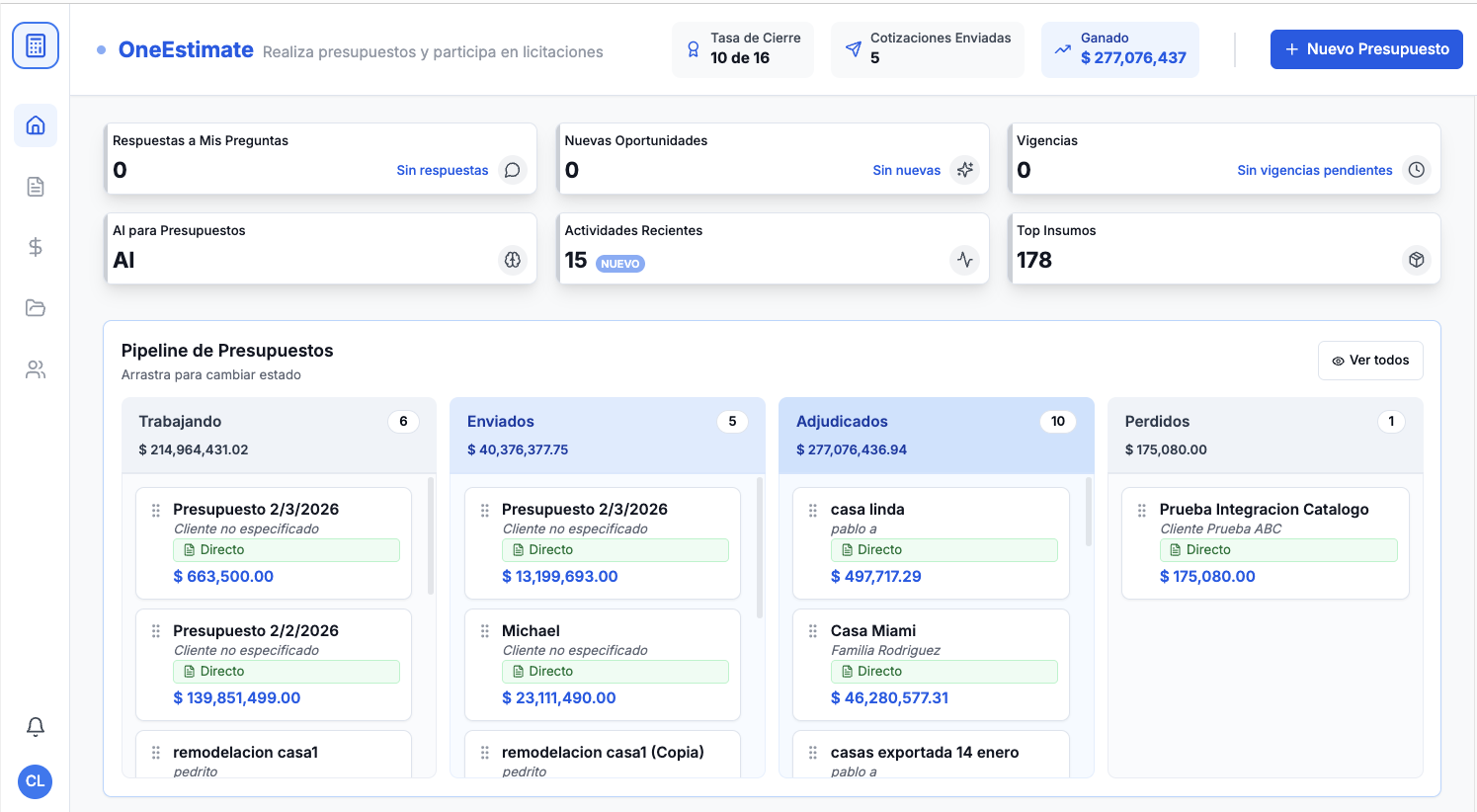
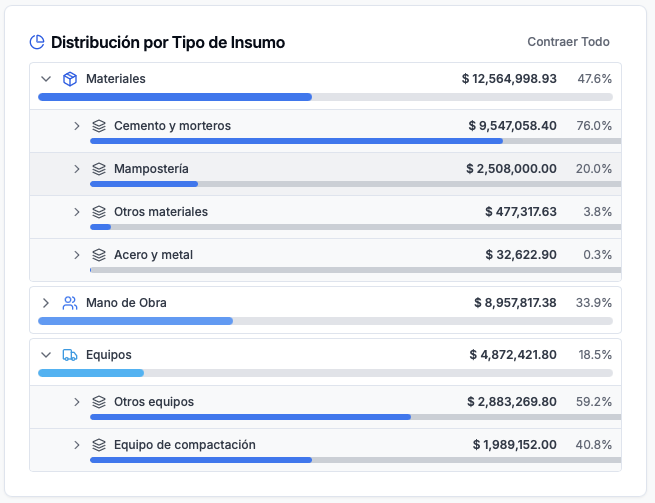
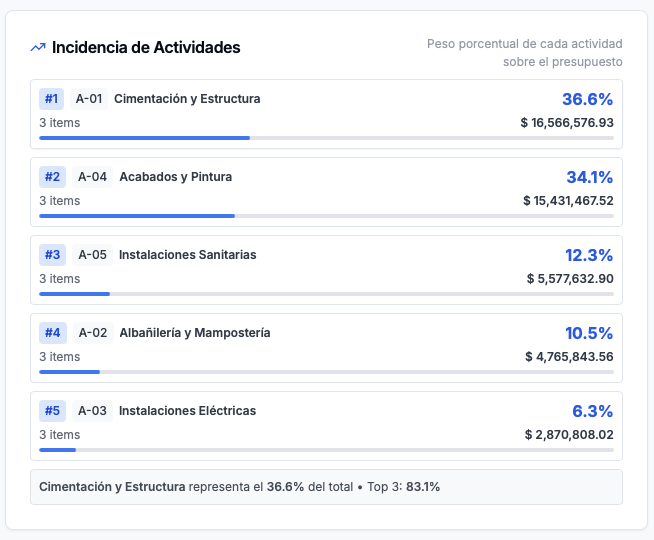
Product preview: OneEstimate.ai
Real screenshots of the market-leading AI estimating platform. Click any image to try OneEstimate.ai.