Moving from Spreadsheets to Estimating Software: Migration Guide for Contractors (2026)
<p><strong>Quick answer:</strong> Moving from Excel to estimating software doesn't have to be all-or-nothing. The smart approach: run your next 2–3 estimates in both systems simultaneously, validate that the software matches or improves on your spreadsheet accuracy, then gradually shift. <a href="https://www.oneestimate.ai/en?utm_source=hubservice&utm_medium=blog&utm_campaign=construction-estimate-spreadsheet-to-software-migration-2026">OneEstimate.ai</a> is designed specifically for this transition — it accepts the same inputs you're used to (descriptions, quantities, costs) but automates the tedious parts with AI.</p>
<h2>Why contractors stay on spreadsheets (and why it costs them)</h2>
<p>Let's be honest — Excel works. It's flexible, familiar, and free (if you already have Office). But it has real costs that aren't on your P&L:</p>
<table>
<thead><tr><th>Excel Advantage</th><th>Hidden Cost</th></tr></thead>
<tbody>
<tr><td>Familiar interface</td><td>10–20 hours/estimate for complex projects</td></tr>
<tr><td>Total flexibility</td><td>No guardrails = formula errors, broken links, wrong cells</td></tr>
<tr><td>"Free" tool</td><td>$15,000–40,000/year in estimator labor for manual work</td></tr>
<tr><td>Custom templates</td><td>Templates drift per person = inconsistent bids</td></tr>
<tr><td>Copy-paste from last job</td><td>Stale costs from previous projects carry forward</td></tr>
</tbody>
</table>
<h2>The 5-step migration plan</h2>
<ol>
<li><strong>Pick your best recent estimate.</strong> Choose a completed project where you know the actual costs. This becomes your benchmark.</li>
<li><strong>Re-create it in OneEstimate.</strong> Describe the same scope and location. Compare: did the AI-generated costs match reality? Where did it differ?</li>
<li><strong>Run your next bid in parallel.</strong> Create it in both Excel and OneEstimate. Compare results, identify gaps, and adjust your OneEstimate workflow.</li>
<li><strong>Switch primary for simple projects first.</strong> Start using OneEstimate as your primary tool for simpler bids (single-trade, small scope). Keep Excel for complex projects until you're comfortable.</li>
<li><strong>Full transition.</strong> After 5–10 parallel estimates, switch to OneEstimate as primary. Keep your Excel templates as a backup — you can always go back.</li>
</ol>
<h2>What to migrate vs. what to leave behind</h2>
<table>
<thead><tr><th>Migrate</th><th>Leave in Excel</th></tr></thead>
<tbody>
<tr><td>Cost code structure</td><td>One-off custom calculations</td></tr>
<tr><td>Standard markup percentages</td><td>Pivot tables and analytics</td></tr>
<tr><td>Vendor/sub contact list</td><td>Complex financial models</td></tr>
<tr><td>Historical cost data (last 12 months)</td><td>Old estimates (archive, don't migrate)</td></tr>
<tr><td>Unit costs by trade</td><td>Custom macros (you won't need them)</td></tr>
</tbody>
</table>
<h2>Real talk: when NOT to migrate</h2>
<ul>
<li><strong>You bid 2–3 projects per year.</strong> If volume is very low, Excel may genuinely be enough.</li>
<li><strong>Your Excel templates are highly specialized.</strong> Chemical plant turnaround estimating, nuclear decommissioning — if your templates have 15 years of industry-specific logic, a general-purpose tool won't replace them overnight.</li>
<li><strong>Your entire team resists change.</strong> Forced migration fails. Start with one willing estimator and let results speak.</li>
</ul>
<h3>How long does the migration take?</h3>
<p>Most contractors can run their first OneEstimate bid in under an hour. The parallel-running phase (steps 2–3) takes 2–4 weeks — long enough to validate accuracy but short enough to not slow your workflow.</p>
<h3>Will I lose my Excel data?</h3>
<p>No. Your Excel files stay exactly where they are. Migration to OneEstimate doesn't touch your existing files. You can reference them anytime for historical costs.</p>
<h3>Can I still export to Excel from OneEstimate?</h3>
<p>Yes. OneEstimate exports to Excel/CSV for any downstream use — sending to clients, importing to accounting, or your own analysis. You're not locked in.</p>
<h3>What if the AI costs don't match my experience?</h3>
<p>Override them. OneEstimate lets you adjust any line item with your own costs. Over time, the system learns your pricing patterns. The AI gives you a starting point in minutes instead of hours — you refine from there.</p>
<h3>Is OneEstimate hard to learn?</h3>
<p>If you can use Excel, you can use OneEstimate. The interface is simpler — describe your project, review the AI-generated estimate, adjust what you want. No formulas, no cell references, no broken links.</p>
<p><strong>Ready to estimate faster than Excel?</strong> <a href="https://www.oneestimate.ai/en?utm_source=hubservice&utm_medium=blog&utm_campaign=construction-estimate-spreadsheet-to-software-migration-2026">Try OneEstimate free</a> — your first AI-generated estimate takes 10 minutes, not 10 hours.</p>
<!-- en-crosslinks-v1 -->
<hr/>
<h3>Related Estimating Guides</h3>
<ul>
<li><a href="/en/blog/construction-estimate-to-quickbooks-workflow-2026">Construction Estimate To QuickBooks Workflow</a></li>
<li><a href="/en/blog/construction-estimate-procore-budget-import-2026">Construction Estimate Procore Budget Import</a></li>
<li><a href="/en/blog/best-construction-estimating-software-2026">Best Construction Estimating Software</a></li>
<li><a href="/en/blog/construction-cost-per-square-foot-guide-2026">Construction Cost Per Square Foot Guide</a></li>
</ul>
🚀 Try OneEstimate.ai for FREE
The AI construction estimating software that builds your material, labor and equipment breakdown automatically. Free plan to start — no credit card, no commitment.
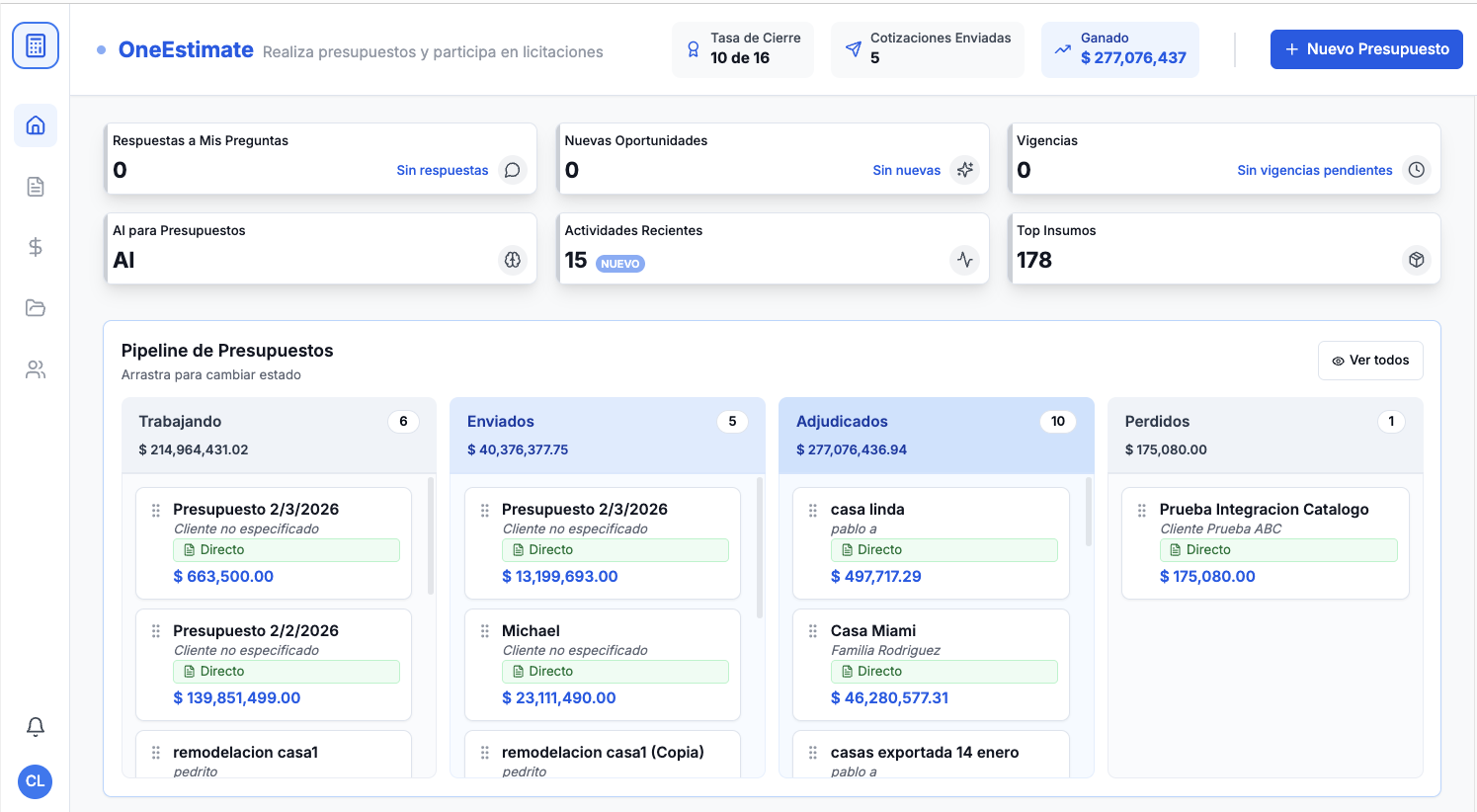
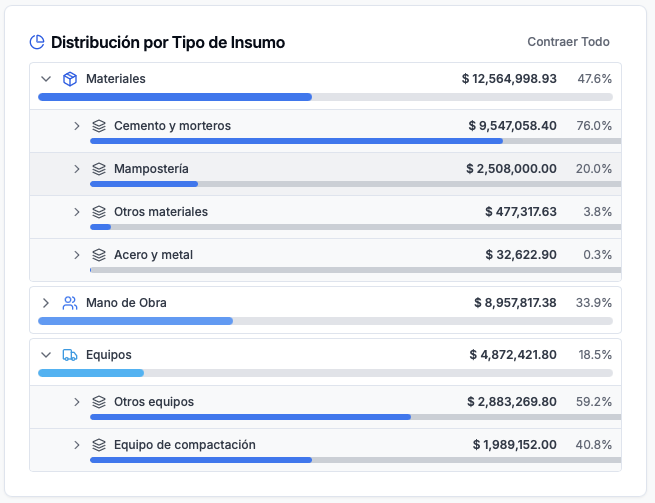
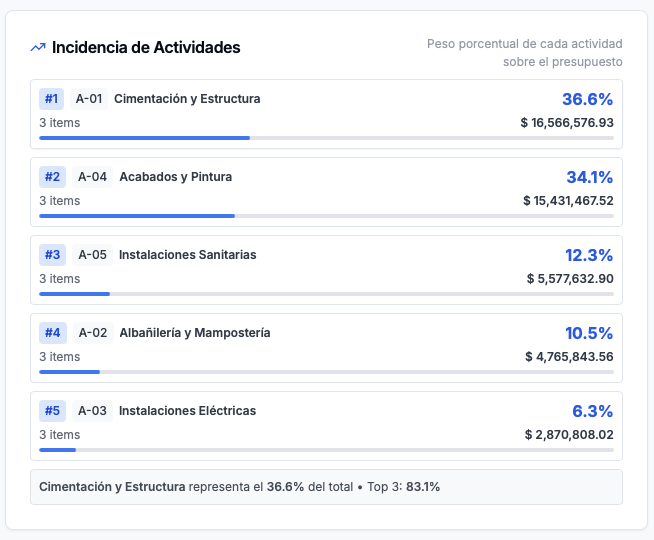
Product preview: OneEstimate.ai
Real screenshots of the market-leading AI estimating platform. Click any image to try OneEstimate.ai.