Free Construction Estimate Template (2026) — Download or Use Online
Every contractor needs an estimate template. Whether you're a one-person remodeler or a mid-size GC, having a structured format prevents missed items and presents a professional image to clients.
What a Good Estimate Template Includes
| Section | Purpose |
|---|---|
| Project information | Client name, address, project description, date |
| Scope of work | Detailed description of what's included (and excluded) |
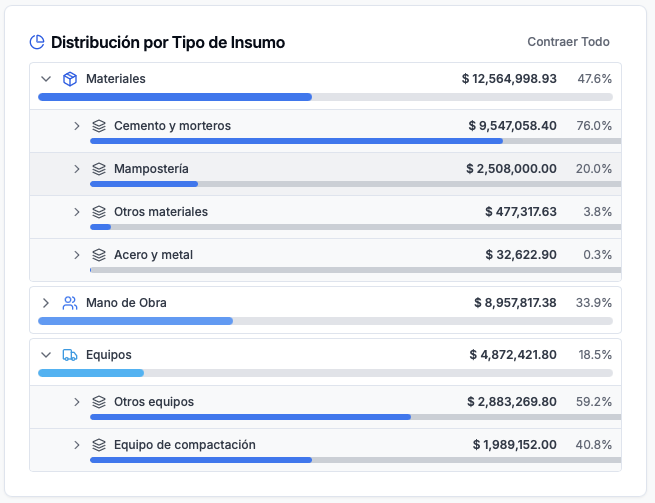
| Itemized costs | Materials, labor, equipment — broken down by trade or CSI division |
| Subtotals | Direct costs, overhead, contingency |
| Profit margin | Your markup |
| Total | The number the client sees |
| Terms & conditions | Payment schedule, change-order policy, warranty |
| Signature block | Acceptance and authorization |
The Problem with Static Templates
A Word or Excel template is better than nothing, but it has serious limitations:
- No live pricing — Material and labor costs change constantly. A static template uses whatever numbers you typed last.
- No takeoff integration — You still count quantities manually and type them in.
- No error checking — Formula errors, missed line items, and copy-paste mistakes are invisible until it's too late.
- No professional output — Clients receive a spreadsheet printout instead of a polished proposal.
The Better Alternative: OneEstimate.ai
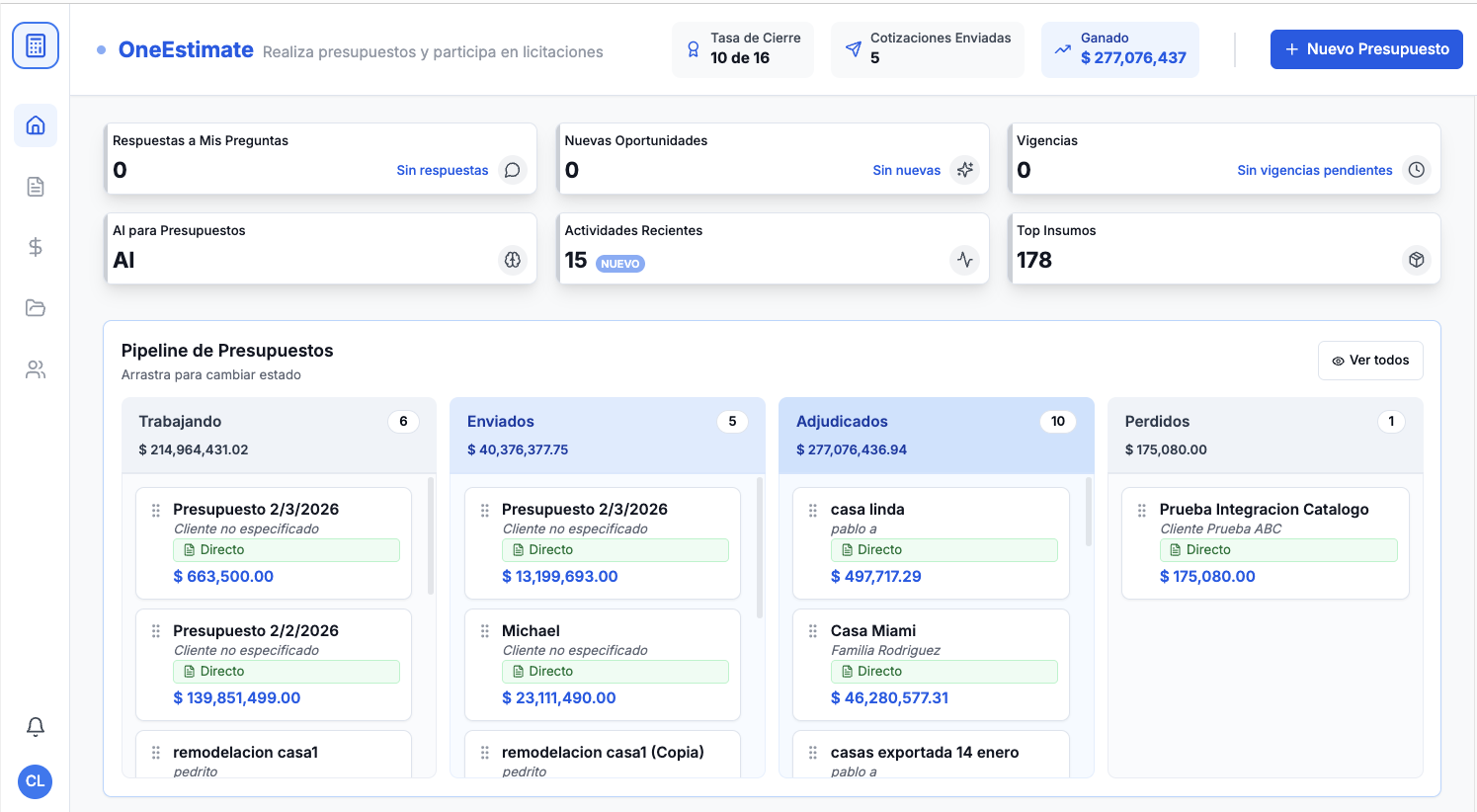
OneEstimate.ai is a free online construction estimator that replaces static templates with a living, intelligent system:
- Trade-specific templates — 22+ trades pre-built (electrical, plumbing, concrete, roofing, painting, HVAC, and more).
- Live cost data — BLS labor rates and regional material prices update automatically.
- AI-powered takeoff — Upload plans and get quantities without manual counting.
- Professional PDF proposals — Branded output with itemized pricing, exclusions, and terms.
- Free forever — Unlimited estimates at $0/month. No credit card. No trial expiration.
👉 Start estimating free — no template download needed
When to Use a Template vs. Software
| Scenario | Template | OneEstimate.ai |
|---|---|---|
| Quick ballpark for a friend | ✅ | ✅ |
| Formal bid to a GC | ❌ | ✅ |
| Multi-trade project | ❌ | ✅ |
| Tracking estimate accuracy over time | ❌ | ✅ |
| Professional client-facing proposal | ❌ | ✅ |
Frequently Asked Questions
Is OneEstimate.ai really free?
Yes. The Free plan includes unlimited estimates, all trade templates, and BLS labor rates. PRO ($49/mo) adds PDF exports, cost trending, and client portals.
Can I import my existing Excel template into OneEstimate.ai?
Yes — CSV import lets you migrate your historical data and custom line items.
Do I need to download anything?
No. OneEstimate.ai is 100 % cloud-based. Works in any browser on desktop or mobile.
<!-- en-crosslinks-v1 -->
<hr/>
<h3>Related Estimating Guides</h3>
<ul>
<li><a href="/en/blog/best-construction-estimating-software-2026">Best Construction Estimating Software</a></li>
<li><a href="/en/blog/ai-construction-estimating-software-usa">AI Construction Estimating Software USA</a></li>
<li><a href="/en/blog/construction-cost-per-square-foot-guide-2026">Construction Cost Per Square Foot Guide</a></li>
<li><a href="/en/blog/estimating-software-drywall-contractors">Estimating Software Drywall Contractors</a></li>
</ul>
🚀 Try OneEstimate.ai for FREE
The AI construction estimating software that builds your material, labor and equipment breakdown automatically. Free plan to start — no credit card, no commitment.
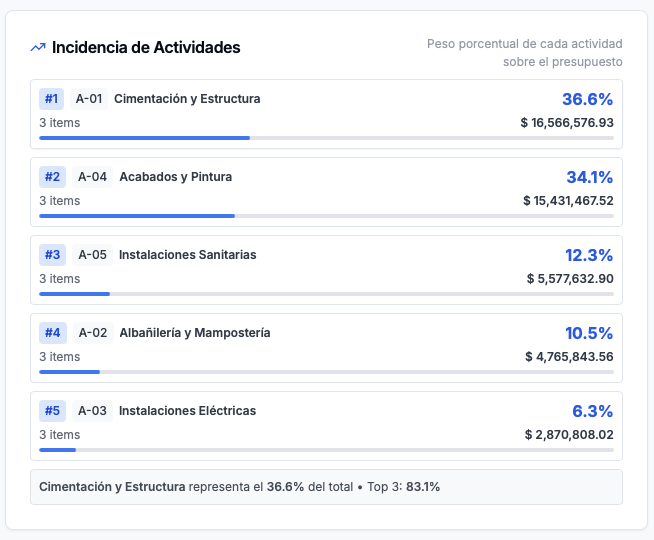
Product preview: OneEstimate.ai
Real screenshots of the market-leading AI estimating platform. Click any image to try OneEstimate.ai.