Construction Scheduling Guide for Contractors 2026: Methods, Tools & Best Practices
A construction schedule is the roadmap that transforms your estimate into a completed project. Yet many contractors treat scheduling as an afterthought — a Gantt chart thrown together after the bid is won. In 2026, owners, architects, and lenders demand sophisticated schedules that demonstrate not just *what* you'll build, but *how* and *when* — down to the week.
This guide covers the scheduling methods, tools, and best practices every contractor needs, and shows how pairing great schedules with accurate OneEstimate.ai estimates creates a project control system that wins bids and delivers profits.
Scheduling Methods Every Contractor Should Know
1. Critical Path Method (CPM)
The gold standard for commercial construction:
- Identifies the longest path of dependent activities from start to finish
- Any delay on the critical path delays the entire project
- Calculates float (slack) for non-critical activities
- Required by most public and institutional owners
- Software: Primavera P6, Microsoft Project, or Oracle Primavera Cloud
2. Gantt Charts
Visual, intuitive, and universally understood:
- Bar chart format showing start, duration, and finish of each activity
- Best for residential and small commercial projects
- Easy to communicate with owners and subcontractors
- Limited ability to show dependencies and float
- Tools: Excel, Smartsheet, or any scheduling software
3. Look-Ahead Schedules (3–6 Week Rolling)
The operational heartbeat of every well-run project:
- Pulls from the master schedule into a detailed 3–6 week window
- Updated weekly in coordination meetings with subs and foremen
- Identifies upcoming constraints: RFIs, submittals, material deliveries, inspections
- Drives daily and weekly work planning
4. Pull Planning (Last Planner System)
Collaborative scheduling that improves reliability:
- Subcontractors and foremen work backward from milestones to define tasks
- Weekly commitments tracked with Percent Plan Complete (PPC)
- Identifies and removes constraints before they become delays
- Growing adoption on lean construction and IPD projects
The Scheduling–Estimating Connection
Your schedule and estimate are two views of the same project. When they're disconnected, you get:
- Duration-driven costs that don't reflect actual production rates
- Resource conflicts where two trades need the same workers in the same week
- General conditions overruns because the schedule doesn't match the bid duration
- Cash flow surprises when the draw schedule doesn't align with cost loading
**OneEstimate.ai bridges this gap.** AI-powered estimates with accurate quantities and production rates give you the data you need to build schedules that are realistic from day one — not aspirational timelines that blow up in month three.
Best Practices for Construction Scheduling
1. Start with the Estimate
Your quantities and production rates drive activity durations:
- 1,000 CY of concrete at 50 CY/day = 20 working days of concrete placement
- 50,000 SF of drywall at 500 SF/day per crew = 100 crew-days
- OneEstimate.ai's detailed takeoffs give you the quantities; your crew data gives you the rates
2. Identify Long-Lead Items Early
Materials with extended lead times must be ordered at or before contract execution:
- Structural steel: 12–20 weeks
- Switchgear and transformers: 20–40 weeks (post-2022 supply chain adjustments)
- Elevators: 16–30 weeks
- Custom curtain wall: 16–24 weeks
- Generators: 20–36 weeks
3. Build in Weather and Contingency
- Research historical weather data for your location (rainy days, extreme heat/cold)
- Add weather contingency: 5–10% in temperate climates, 10–20% in severe climates
- Schedule weather-sensitive work (earthwork, concrete, roofing) during optimal seasons
- Interior work can proceed during bad weather if the building is enclosed
4. Resource-Load the Schedule
- Assign crew sizes and trade workers to each activity
- Check for resource over-allocation ("peaks") and level if necessary
- Ensure your labor plan matches your estimate's labor budget
- Verify subcontractor availability aligns with your schedule
5. Update Regularly
- Update the master schedule monthly (minimum) with actual start/finish dates
- Run a 3-week look-ahead schedule weekly
- Analyze critical path shifts after every update
- Document delays in real-time for potential time extension claims
How OneEstimate.ai + Good Scheduling = Winning Projects
- Accurate quantities → realistic durations
- Localized labor rates → proper crew sizing and cost loading
- AI speed → estimate and schedule in parallel, not sequentially
- Consistency → every project uses the same production rate data
Great projects start with great estimates. Try OneEstimate.ai free and build schedules on a foundation of accurate quantities.
Frequently Asked Questions
What's the most common scheduling mistake contractors make?
Underestimating activity durations by using optimistic rather than realistic production rates. This creates a schedule that looks good on paper but fails in the field. The fix: base durations on actual project data and the quantities from your estimate, not on what you think the owner wants to see. OneEstimate.ai gives you the accurate quantities that drive realistic durations.
Should small contractors use scheduling software or is Excel enough?
For projects under $500K with simple sequencing, a well-organized Excel Gantt chart is sufficient. For projects over $500K, multiple trades, and contractual schedule requirements, dedicated scheduling software (Microsoft Project, Primavera, or cloud tools like Procore/Buildertrend) is worth the investment. The key is matching the tool to the project complexity.
How do I handle schedule delays caused by the owner?
Document immediately. Issue a written notice per your contract requirements (usually 7–14 days from the delay event). Quantify the delay in working days, identify the cost impact (extended general conditions, overtime, resequencing), and submit a formal time extension request. Maintain a contemporaneous delay log throughout the project — reconstructed analyses after the fact are much less persuasive.
<!-- en-crosslinks-v1 -->
<hr/>
<h3>Related Estimating Guides</h3>
<ul>
<li><a href="/en/blog/best-construction-estimating-software-2026">Best Construction Estimating Software</a></li>
<li><a href="/en/blog/ai-construction-estimating-software-usa">AI Construction Estimating Software USA</a></li>
<li><a href="/en/blog/construction-cost-per-square-foot-guide-2026">Construction Cost Per Square Foot Guide</a></li>
<li><a href="/en/blog/estimating-software-remodeling-general-contractors">Estimating Software Remodeling General Contractors</a></li>
</ul>
🚀 Try OneEstimate.ai for FREE
The AI construction estimating software that builds your material, labor and equipment breakdown automatically. Free plan to start — no credit card, no commitment.
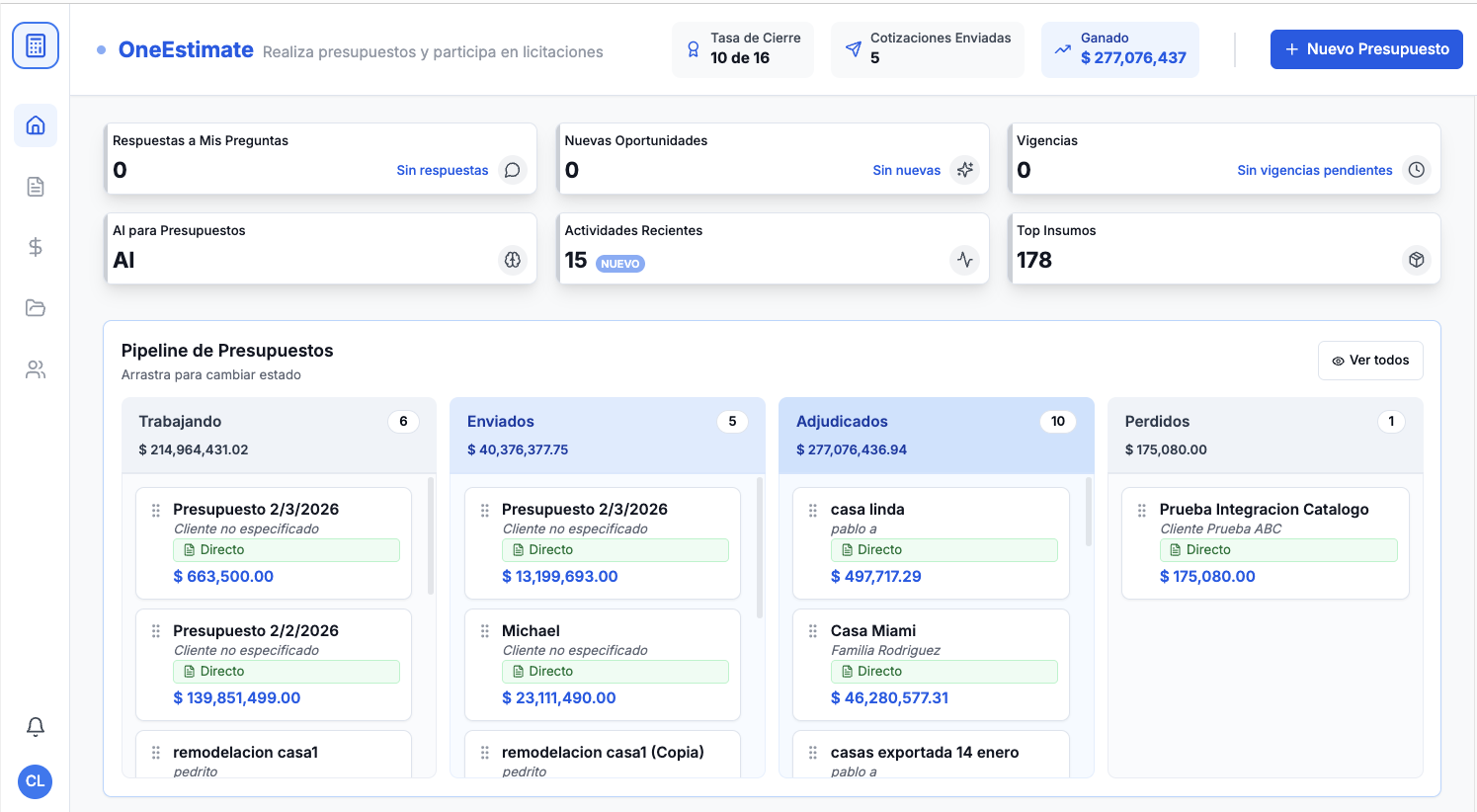
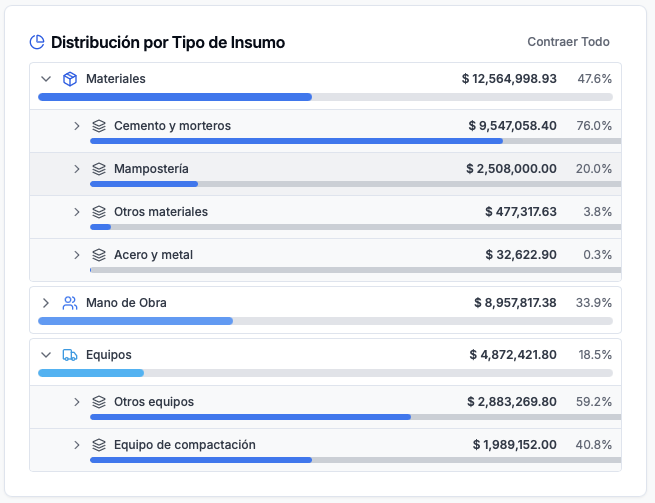
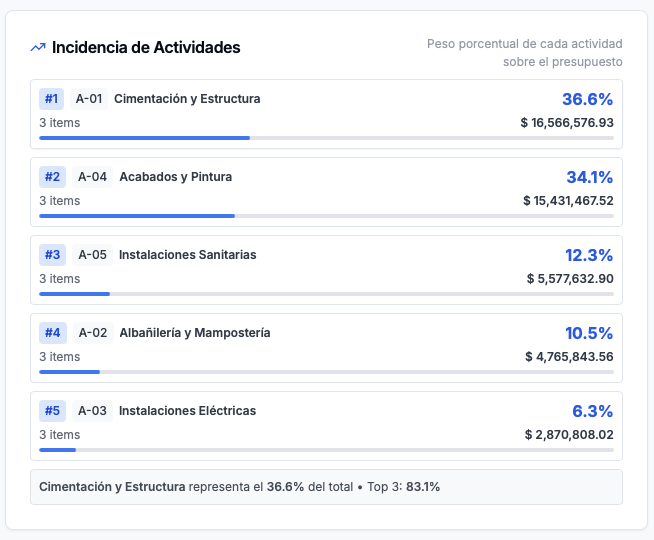
Product preview: OneEstimate.ai
Real screenshots of the market-leading AI estimating platform. Click any image to try OneEstimate.ai.