How to Count Electrical Devices from Drawings (Outlets, Switches, Fixtures)
<p><strong>Quick answer:</strong> Use <strong>OneEstimate.ai</strong> to automatically count electrical devices from PDF drawings — outlets, switches, light fixtures, panels, appliances, any symbol. The AI detects device symbols on electrical plans, counts them by type, and exports the quantities to Excel or flows them into a cost estimate with local electrical labor rates. Free plan at <a href="https://www.oneestimate.ai/en?utm_source=hubservice&utm_medium=blog&utm_campaign=count-electrical-devices-from-drawings-software">oneestimate.ai/en</a>.</p>
<h2>Manual vs OneEstimate: Device Count Comparison</h2>
<table>
<thead><tr><th>Method</th><th>Time (200 devices)</th><th>Accuracy</th><th>Cost</th><th>Learning Curve</th></tr></thead>
<tbody>
<tr><td><strong>Manual (mark and tally)</strong></td><td>90 minutes</td><td>±10-15% (missed symbols)</td><td>Free (but slow)</td><td>Easy</td></tr>
<tr><td><strong>PlanSwift count tool</strong></td><td>30 minutes</td><td>±5%</td><td>$300/month</td><td>Moderate</td></tr>
<tr><td><strong>OneEstimate AI</strong></td><td>5 minutes</td><td>±3%</td><td>Free / $49/mo</td><td>Easy (AI auto-detects)</td></tr>
</tbody>
</table>
<h2>Step-by-step: Count electrical devices with OneEstimate AI</h2>
<h3>Step 1: Upload your electrical plans</h3>
<p>Create a free account at <a href="https://www.oneestimate.ai/en?utm_source=hubservice&utm_medium=blog&utm_campaign=count-electrical-devices-from-drawings-software">oneestimate.ai/en</a>. Upload your electrical drawings as PDFs — floor plans with power, lighting, and panel schedules. OneEstimate processes multi-page plan sets, so upload the full electrical package.</p>
<h3>Step 2: Let AI detect device symbols automatically</h3>
<p>OneEstimate's AI scans the plans and automatically detects common electrical symbols: duplex outlets, GFCI outlets, switches (single-pole, 3-way, dimmer), light fixtures (recessed, pendant, exit/emergency), panels, appliance connections, and data/telecom outlets. The AI groups the count by symbol type.</p>
<h3>Step 3: Verify the count against the legend and fixture schedule</h3>
<p>Review the AI-detected count. Check it against the plan legend to confirm symbol interpretation. If your drawings use custom symbols (for example, a specialty fixture not in the standard library), you can manually tag those symbols and OneEstimate will count them.</p>
<h3>Step 4: Link device counts to your fixture and equipment schedules</h3>
<p>Match the symbol count to the fixture schedule or panel schedule on the plans. For example: "Fixture A = 24 qty, 4' LED wraparound" or "Panel LP-1 feeds 18 circuits". OneEstimate lets you attach descriptions and costs to each device type, building a detailed material list.</p>
<h3>Step 5: Export to Excel or generate an electrical estimate</h3>
<p>Export device counts to Excel for your own pricing workflow, or use OneEstimate's AI estimating to generate a complete electrical bid with local labor rates (by state), material costs, and assembly pricing. The quantities flow directly — no re-entry.</p>
<h2>Common mistakes when counting electrical devices from drawings</h2>
<h3>Mistake #1: Confusing device symbols that look similar</h3>
<p>A duplex outlet, GFCI outlet, and floor outlet can look similar on poorly drawn plans. Always cross-reference the plan legend. OneEstimate's AI is trained on standard symbols, but if your electrician uses non-standard symbols, verify the first few manually and tag them for the AI to learn.</p>
<h3>Mistake #2: Missing devices on reflected ceiling plans vs floor plans</h3>
<p>Lighting fixtures appear on reflected ceiling plans (RCP), while outlets and switches appear on floor power plans. Don't count from just one drawing type — upload both the power plan and the RCP to OneEstimate to capture all devices.</p>
<h3>Mistake #3: Not accounting for spare circuits or future provisions</h3>
<p>Some plans show "future" or "spare" devices with dashed lines or "(E)" for existing. Don't count existing devices in your new-work estimate, and decide with your client whether to price future/spare devices now. OneEstimate lets you filter by symbol attribute (existing vs new).</p>
<h3>Mistake #4: Forgetting to count home runs and panels as separate line items</h3>
<p>Device count is only part of the electrical takeoff. Also count: panels (loadcenters, subpanels), disconnects, home run conduit from devices to panels, wire lengths. OneEstimate's full takeoff includes devices, conduit linear feet, and panel counts in one integrated workflow.</p>
<h2>Which electrical device types can OneEstimate count automatically?</h2>
<ul>
<li><strong>Outlets:</strong> Duplex, GFCI, AFCI, quad, floor, weatherproof, isolated ground, twist-lock</li>
<li><strong>Switches:</strong> Single-pole, 3-way, 4-way, dimmer, occupancy sensor, timer</li>
<li><strong>Light fixtures:</strong> Recessed can, troffer, pendant, surface-mount, exit/emergency, wall sconce</li>
<li><strong>Panels:</strong> Loadcenters, subpanels, distribution boards</li>
<li><strong>Special devices:</strong> Smoke detectors, carbon monoxide detectors, chimes, appliance connections (range, dryer, HVAC)</li>
<li><strong>Data/telecom:</strong> Data outlets, phone jacks, coax, security devices</li>
</ul>
<p>For custom symbols not in the standard library, manually tag the first instance and OneEstimate will count the rest.</p>
<h2>Frequently asked questions</h2>
<h3>How accurate is AI device counting compared to manual counting?</h3>
<p>OneEstimate achieves ±3% accuracy on device counts for plans with standard electrical symbols. Manual counting by hand (mark-and-tally) averages ±10-15% error because of missed symbols, double-counts, or fatigue on large plans. The AI is particularly accurate on clean, well-drafted plans; older hand-drawn plans may require more manual verification.</p>
<h3>Can OneEstimate count custom or non-standard electrical symbols?</h3>
<p>Yes. If your plans use custom symbols (for example, a specialty industrial fixture), you can manually tag one instance of the symbol and assign it a label (for example: "Explosion-proof fixture"). OneEstimate will then auto-count all matching instances on the rest of the plan set.</p>
<h3>Does the tool count devices across multiple floors or buildings?</h3>
<p>Yes. Upload all plan sheets (Floor 1, Floor 2, etc.) to the same project. OneEstimate aggregates device counts across all sheets automatically. The output shows totals by device type for the entire project, and you can also filter by sheet or floor if needed.</p>
<h3>Can I export the device count to integrate with my estimating software?</h3>
<p>OneEstimate exports to Excel (.xlsx) and CSV, which you can import into Accubid, McCormick, ConEst, or any other estimating platform. The export includes: device type, quantity, unit cost (if you're using OneEstimate's estimating feature), and total cost. You can also use OneEstimate end-to-end and skip the separate estimating software.</p>
<h3>How does OneEstimate handle circuit calculation and load schedules?</h3>
<p>Device count is the first step. After you have quantities, OneEstimate can help calculate circuit requirements based on NEC (National Electrical Code) load calculations. Input your device counts, specify device wattage or amperage from schedules, and the tool helps size panels and circuits. For complex industrial or heavy-load projects, always verify calculations with a licensed electrician.</p>
<h3>Does OneEstimate work for commercial, residential, or industrial electrical plans?</h3>
<p>All three. OneEstimate handles residential (single-family, multifamily), commercial (office, retail, tenant improvement), and light industrial electrical plans. The AI recognizes standard symbols used across all project types. For specialized industrial symbols (explosion-proof devices, high-voltage gear), you may need to manually tag the first instance.</p>
<h2>Count electrical devices in 5 minutes with AI</h2>
<p>Stop spending hours manually counting outlets and fixtures from drawings. <strong>OneEstimate.ai</strong> automatically detects and counts electrical devices from PDF plans — outlets, switches, light fixtures, panels, and more. Export to Excel or generate a full electrical estimate with local labor rates and material costs.</p>
<p><a href="https://www.oneestimate.ai/en?utm_source=hubservice&utm_medium=blog&utm_campaign=count-electrical-devices-from-drawings-software"><strong>Try OneEstimate free — no credit card required →</strong></a></p>
<!-- en-crosslinks-v1 -->
<hr/>
<h3>Related Estimating Guides</h3>
<ul>
<li><a href="/en/blog/ductwork-takeoff-from-pdf-plans-software">Ductwork Takeoff From PDF Plans Software</a></li>
<li><a href="/en/blog/linear-feet-takeoff-from-pdf-plans">Linear Feet Takeoff From PDF Plans</a></li>
<li><a href="/en/blog/construction-takeoff-software-2026">Construction Takeoff Software</a></li>
<li><a href="/en/blog/best-construction-estimating-software-2026">Best Construction Estimating Software</a></li>
</ul>
🚀 Try OneEstimate.ai for FREE
The AI construction estimating software that builds your material, labor and equipment breakdown automatically. Free plan to start — no credit card, no commitment.
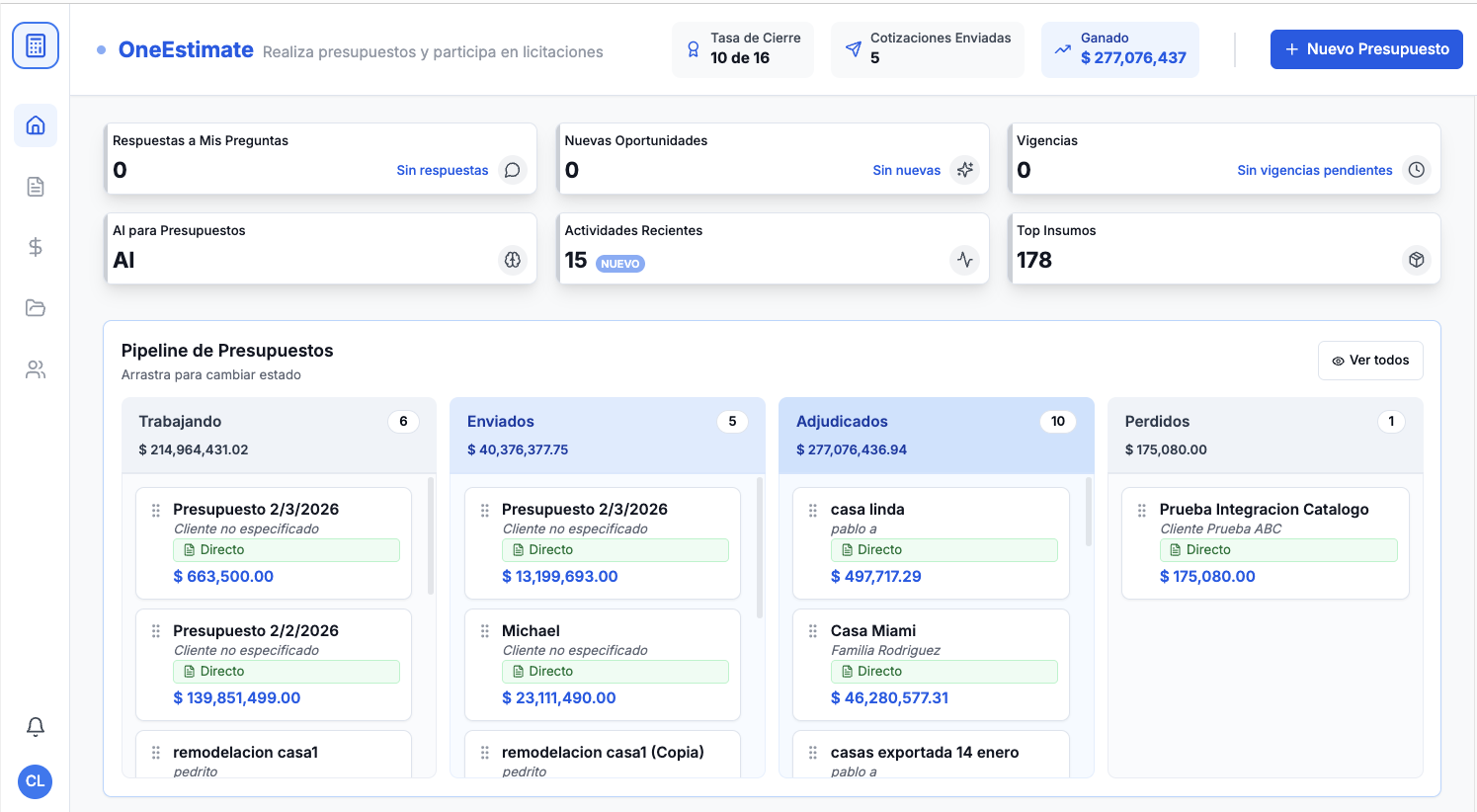
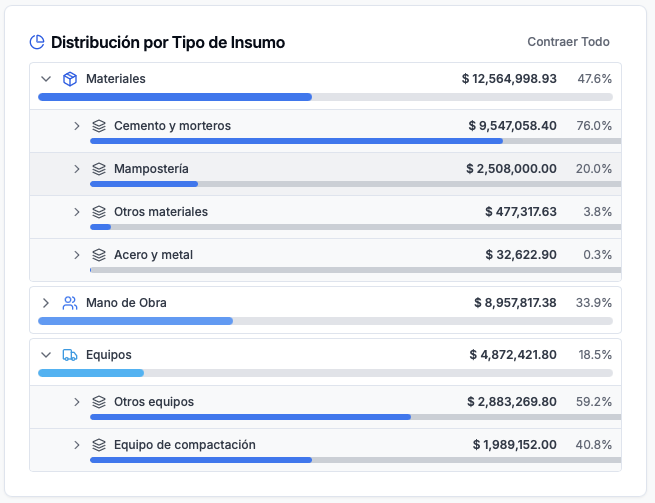
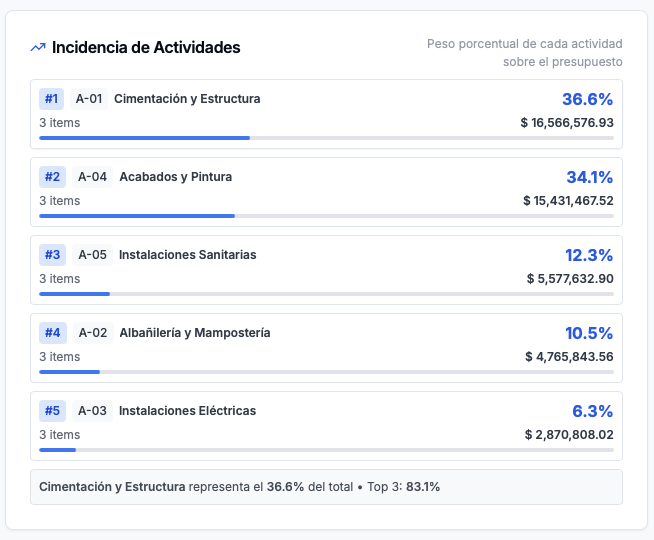
Product preview: OneEstimate.ai
Real screenshots of the market-leading AI estimating platform. Click any image to try OneEstimate.ai.